













✔ Memberpress isn't hiding all content on Office pages template
Completed by Ryan R.
- Assigned to
-
 Ryan R.
- Notes
-
Hi Veronica,
So, as I’ve been working with our users on the Priests Only (now titled Priests Page), Deacons Only and School Administrators Only pages, we have discovered the following:
When someone who is not signed in to the website clicks on any of those pages, they can see what is on the page (like the Featured Grid buttons and the Featured Panels). See attached screenshot titled Priests Only. If anyone clicks on one of those Featured Grid or Featured Panels items, it does prompt them to enter a username and password to view the page (note: right now on the Priests Page page none of the Featured Grid items have a link, but the School Administrators page Featured Grid items do have a link which is how we discovered that clicking on those will prompt the asking for the username and password).
The public should not be able to see what is on the home pages of the Priests Page, Deacons Only, (even if they can’t click through to see more details). How do make sure this is the case?
Also – we did a search and under one of the search items, a page from the School Administrators Handbook was there. It said you have to be logged in to see the page, but then when you click on it, there was no prompt to enter username and password. See attached screenshot titled Health. Can that be fixed so that there would be a prompt to enter the username and password?
Thanks,
Maria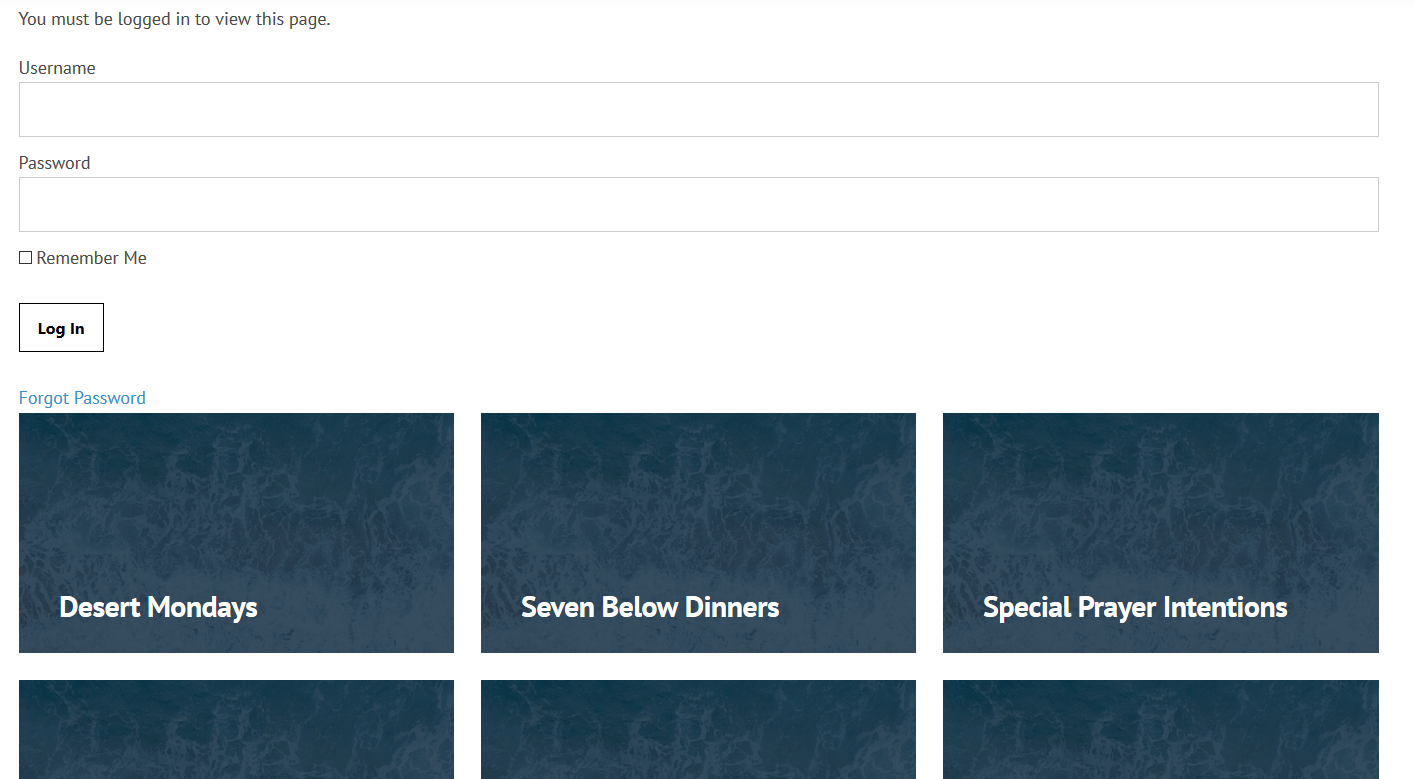
I failed to factor in the special content we have on office home pages. Since that "content" isn't part of the Wordpress content, it wasn't getting protected in the same fashion. Hence why login forms were showing as well as part of the page.
This is a bit of a unique situation, but since it's isolated pretty well, I went ahead and made a fix such that these three pages use a custom content file under the hood. In those files, I'm applying the subscription rules manually on the sections that the plugin doesn't catch out of the box. I'd definitely put this one on me, as there's no good way for the plugin to know where's custom content in the file.
I tested this with Schools Admin and I believe it to be working as you would expect.
As for the missing login page for the handbook page, I could not replicate the issue. I didn't see the image, but I can go to the page and there's certainly a form to log in.
https://dosp2.diocesanweb.com/schoolsadmin/administrators-procedural-resource-book/handbook/