













✔ DISCUSSED WITH DOSP - Some images not displaying within image page block
Completed by Ryan R.
- Assigned to
-
 Ryan R.
- Notes
-
https://dosp2.diocesanweb.com/giving/
Not sure if it's because it's a small image or what, but when they added the photo, they selected "Full Size" but that set the image dimensions to 0x0.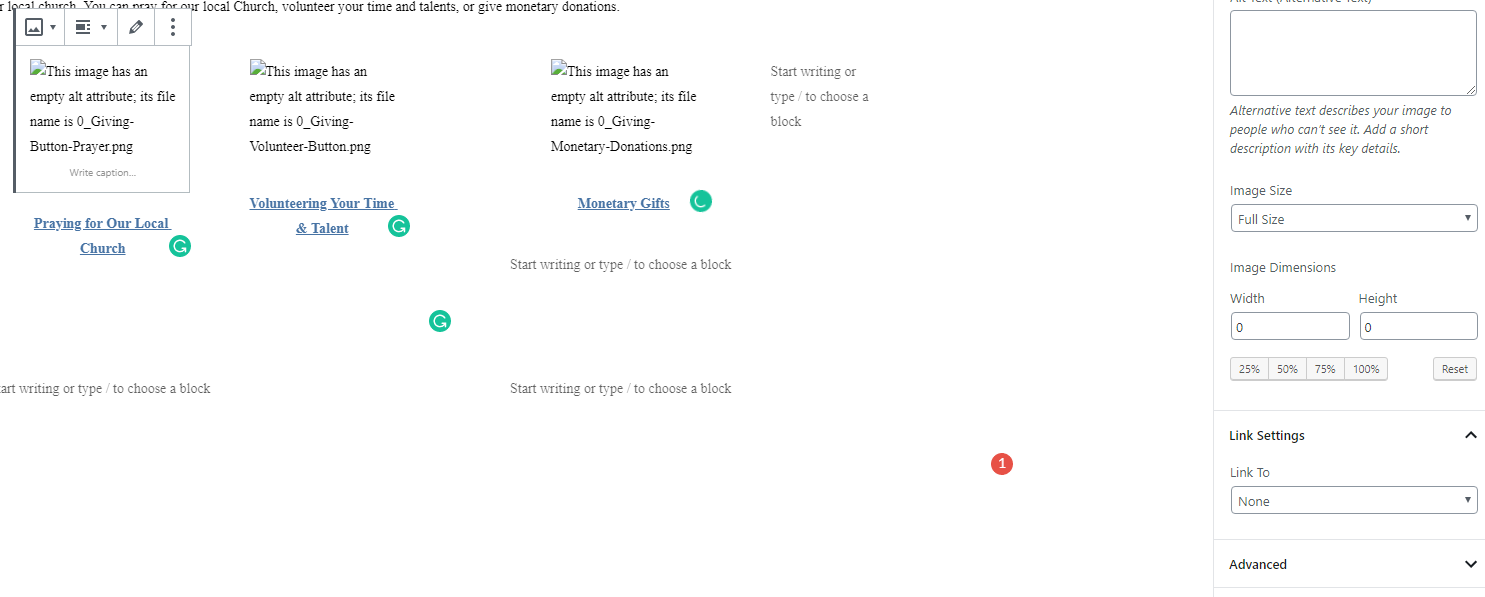
If I select thumbnail, then it displays: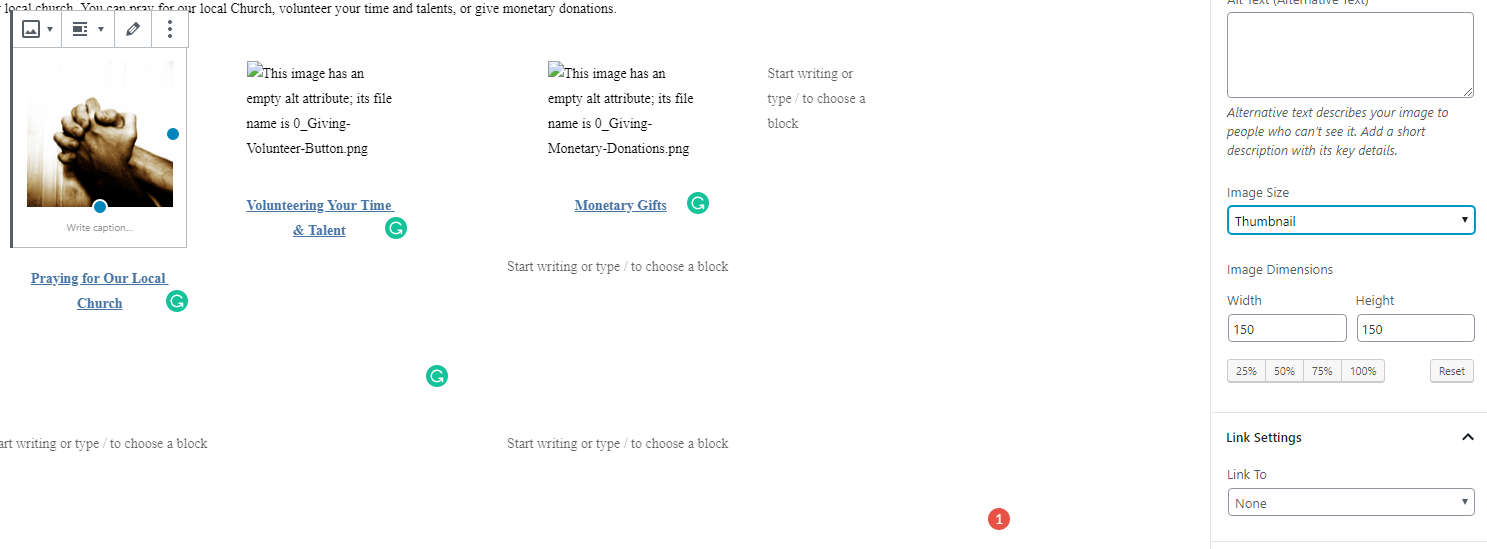
In a nutshell, you have to keep in mind that those images didn't get there through the traditional Wordpress Media upload... so...
What we have is an original image of say name_200x175.jpg that got put in the Media artificially. The size of that image is indeed 200x175 and what we expect the "full" size to be... however, when you tell WP use the "full" version, it's looking for name.jpg, which does not exist. The block doesn't tell you that and simply gets the width and height of null, which is 0.
If you try and edit any of those images that exhibit the problem, you'll see that the original source image is unable to be loaded.
I fixed the Ruth image in the process, where I uploaded a new image Ruth_Hufford_225x218.jpg: https://dosp2.diocesanweb.com/wp-content/uploads/2019/09/Ruth_Hufford_225x218.jpg
and the thumbnail size of that image is: https://dosp2.diocesanweb.com/wp-content/uploads/2019/09/Ruth_Hufford_225x218-150x150.jpg
So, I had Kyla migrate all those originals from dosp.org/uploads to dosp2.diocesanweb.com/uploads/0_, and that fixed all of them across the board.
This might be a little overkill, but it certainly fixes the issue.