












Mobile First Celine

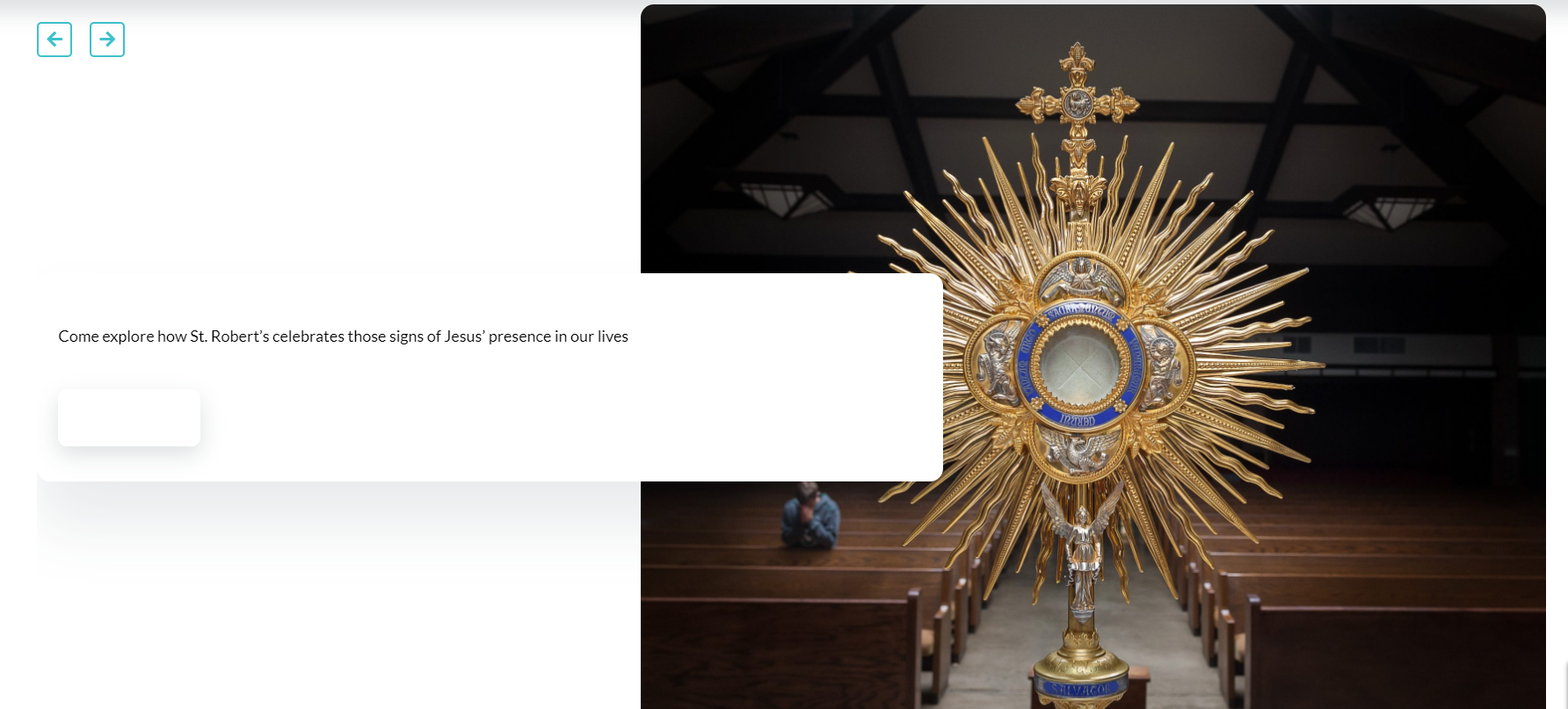
Robert's Homepage buttons all have white color so the text doesn't show. Doesn't seem to be a template setting

Assigned to
Marcus Borger, Developer at Diocesan Marcus B.
Notes
I am going to turn this off in the tweaks of the site because we need to send it out today.
https://strobertada.diocesanweb.org/
Comments & Events

Marcus Borger, Developer at Diocesan
If the Button Color shows up as white, or any color is wrong for that matter, please try saving the Template Settings and clear your cache. During an update of a theme all the files in the theme folder on the server get replaced by the files in the update folder including the custom css. For me this has worked so far. I'm still trying to find a way to skip this step of an update, however it doesn't have priority right now. Since this is a new way to update our hybrids, please have some patience with me as I'm figuring out the ins and outs of it.
Cody Armock, Web Content Specialist at Diocesan
No worries, Marcus! I think I updated the Template Settings and the hard-refresh didn't take. Thank you for letting me know! I remembered about that after I updated, but it seemed like only some things were fixed initially (menu for instance).

Thanks. Seems to be working now.
Cody Armock, Web Content Specialist at Diocesan
It seems like you have to update Template Settings twice after the Theme Update. It just worked for Queen of the Miraculous Medal where I had to save it a couple times for everything to work, but it works, so I can't complain
Marcus Borger, Developer at Diocesan
Yes I had that experience as well. Not exactly sure why. Maybe it takes PHP a moment to gather all the ACF fields and write the css file. Not sure. But if it doesn't work after like 3-5 refreshes, it's likely that there's something wrong and I'll be happy to help
Marcus Borger, Developer at Diocesan
Marcus Borger completed this to-do.
