













✔ Homepage Maps - No Iframe. Like https://avmlebpa.diocesanweb.org/
Completed by Kyle S.
- Assigned to
-
 Kyle S.
- Notes
-
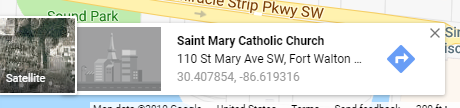
Replace the lat and lng with the ones from the bottom picture and remove the commented out snazzy map in the html for the homepage above the iframe.
I sent out the development link to them, so be a little careful. :) Sam P did the snazzy map for the dev site in the title: https://avmlebpa.diocesanweb.org/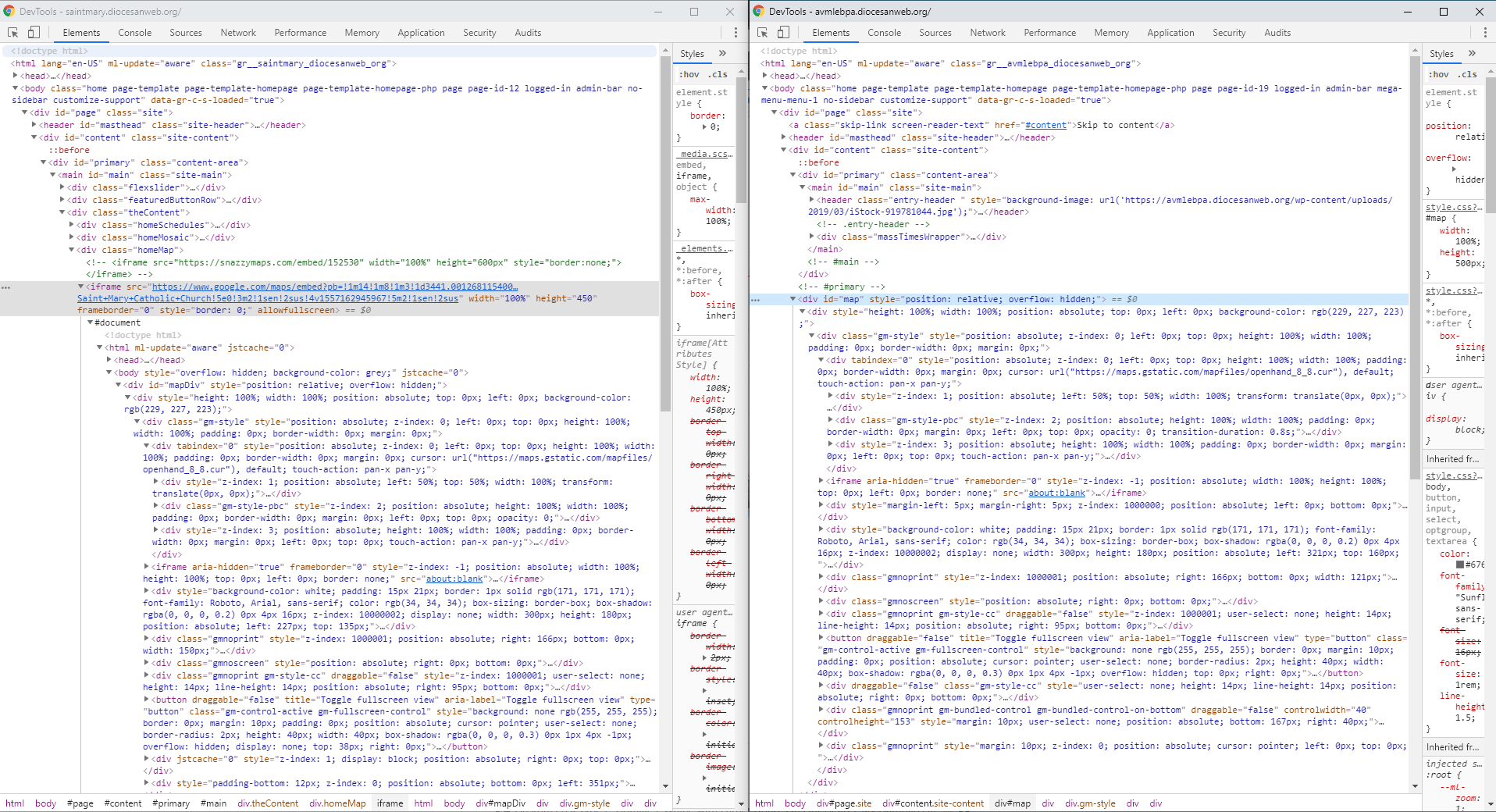
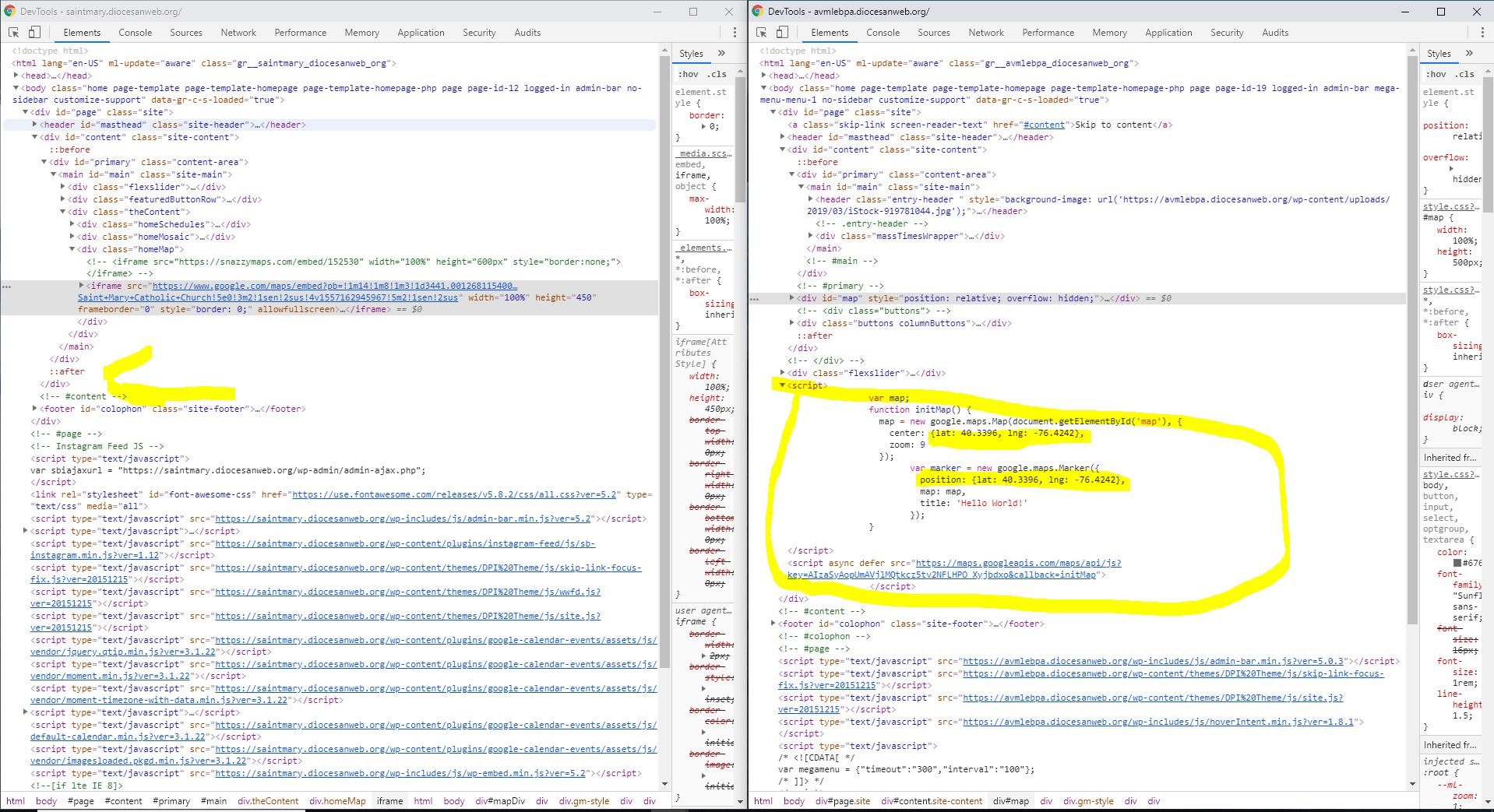
Other than that, though, I tried the scripts above and experimented a lot but to no avail, as those scripts seem to merely bring in a map asynchronously and do not appear to do anything with Snazzy Maps or any styling.
I'll leave this task open for now, but the issue appears to be with the Snazzy Maps plugin. Please advise how you'd like to proceed.
Had to mess around with some API stuff, but got it to work.
That may be why the other code, using the div id of map wasn't working. Not sure if you checked the console or not, or even if it would've threw an error in the console, but that code should work above. If they want it changed then I can do that.
[wpgmza id="1"] is the shortcode for the map plugin. Snazzy maps plugin styles it