













✔ Staff pages are blank
Completed by Ryan R.
- Assigned to
-
 Ryan R.
- Notes
-
Hi Ryan,
I was quiet for a few days and now I'm back! Sorry!
Anyway, we found that the pages that are generated for individual staff members do not contain any of data from the fields in the staff module.
For example, here's my page:
https://www.dioceseofscranton.org/staff/connie-wisdo/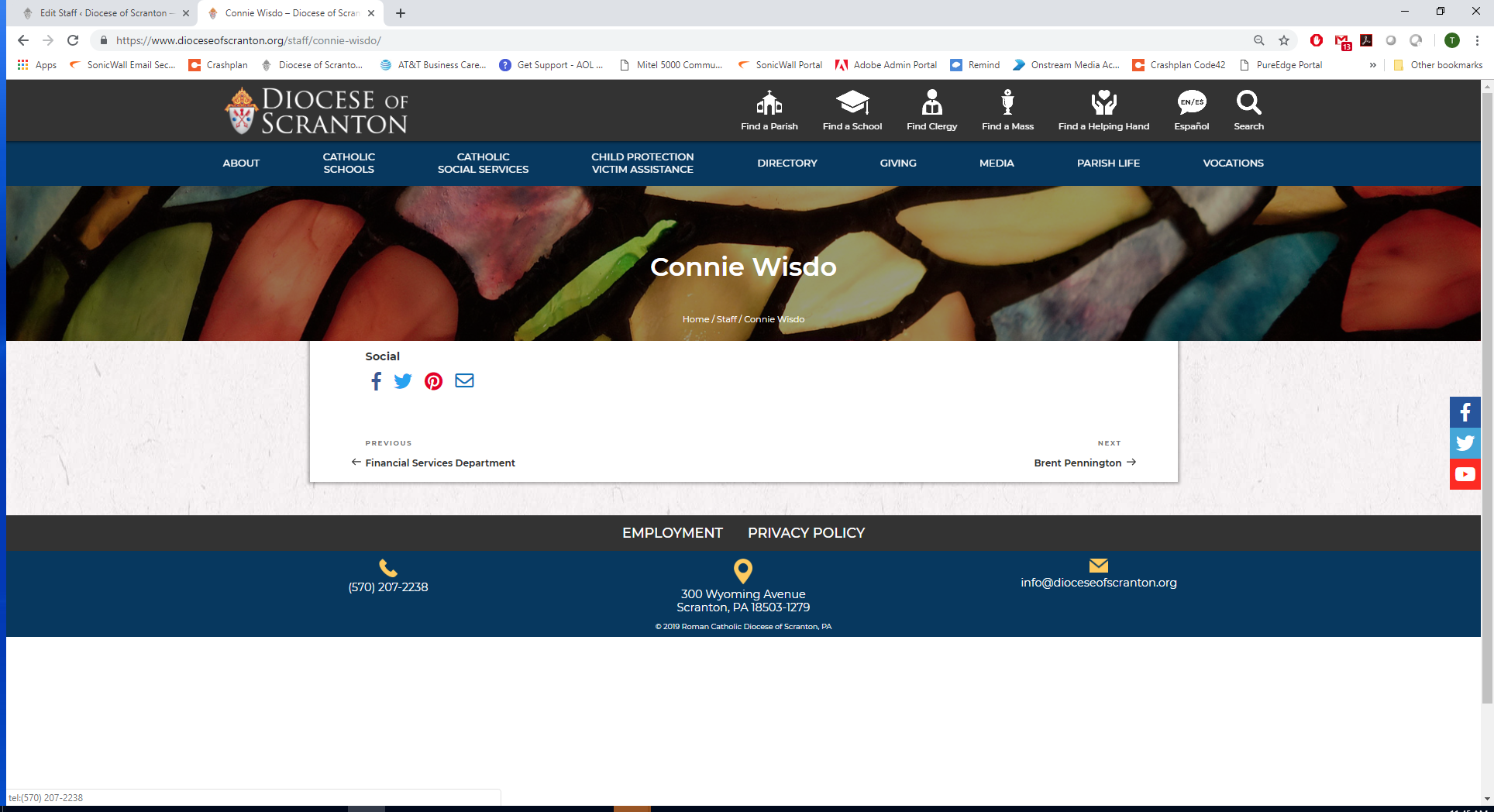
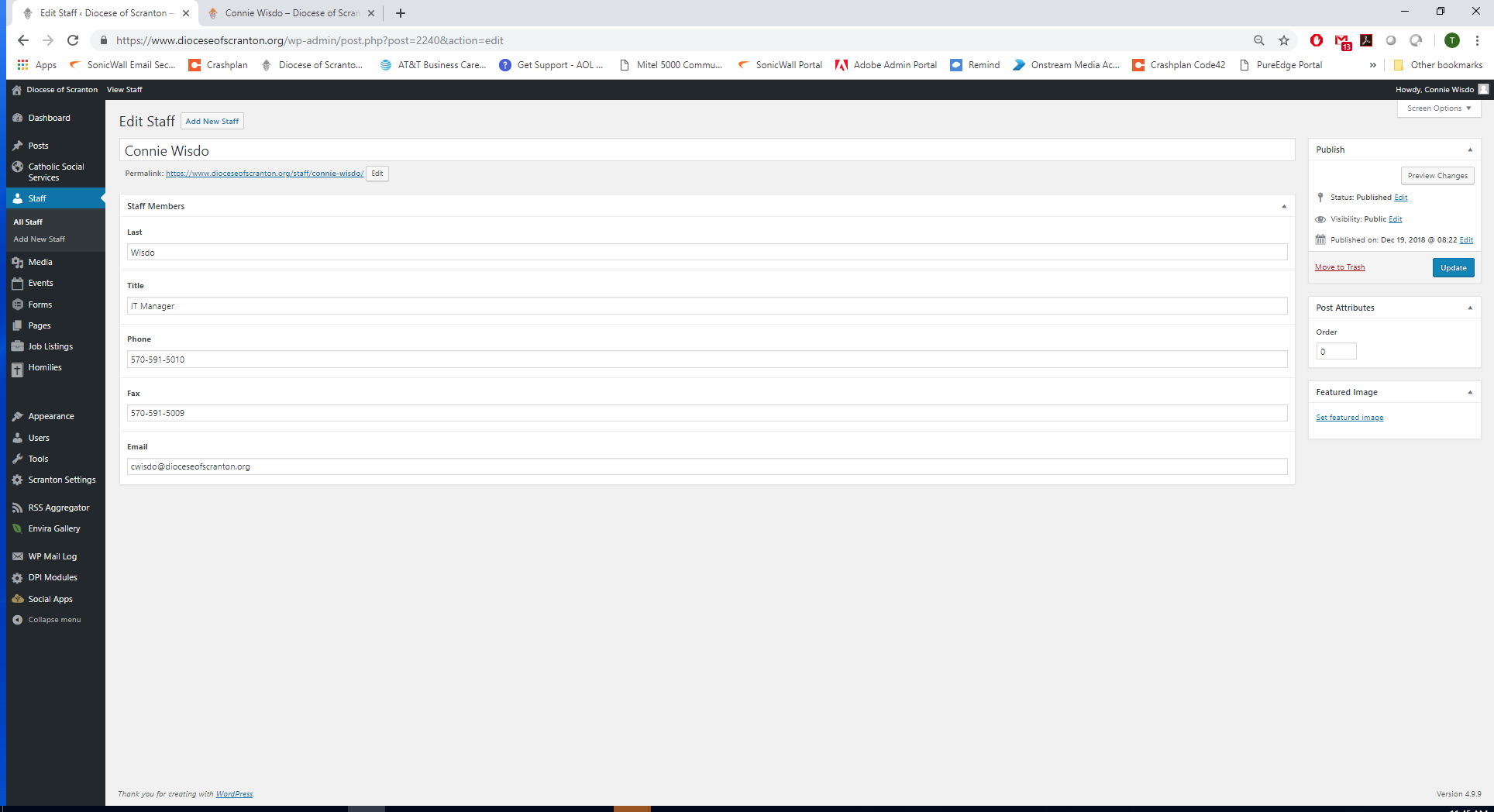
Is there an easy way for you to change the display of the staff pages so that all the fields show? If not, then can you delete all the staff pages from the site? I tried to find the page in Wordpress, but couldn't find it when I searched "All Pages" so I couldn't delete it or edit it.
Thanks!
The staff component was never intended to be viewed with the single Staff page like you identified, although it is capable. We could add the information and round out the single staff page, but easier yet would be to disable the page. I've gone ahead and done so.
That brings me to one question though... how did you find it? Depending on how you found it, I may have to take another step to restrict staff members.
Thanks. I just searched for my name using the site search, and the page came up.
You didn't by any chance, delete the entire Staff page did you?
https://www.dioceseofscranton.org/staff/ was our staff page.
It's now missing from the site completely. I can't find it in the Trash. I can't find it when I search pages.
When you try to go directly to the URL you are directed back to the home page.
Can you help?
Thanks !!
Can you get it back from trash on the CPanel, or from a backup, perhaps?
Connie
Staff page is now working.
Given that the original request was to either remove staff member pages, or add the staff information to those pages, I can certainly add the information to staff pages. I elected removal previously as it was the simpler of the two (or so I thought).
Connie Wisdo
(Sent from my iPhone)
https://www.dioceseofscranton.org/staff/tara-adams/