













✔ Page - Button seems like it should float in the container and just move to its own line
Completed by Kyle S.
- Assigned to
-
 Kyle S.
- Notes
-
2021 theme (still not great obviously) vs Robert theme
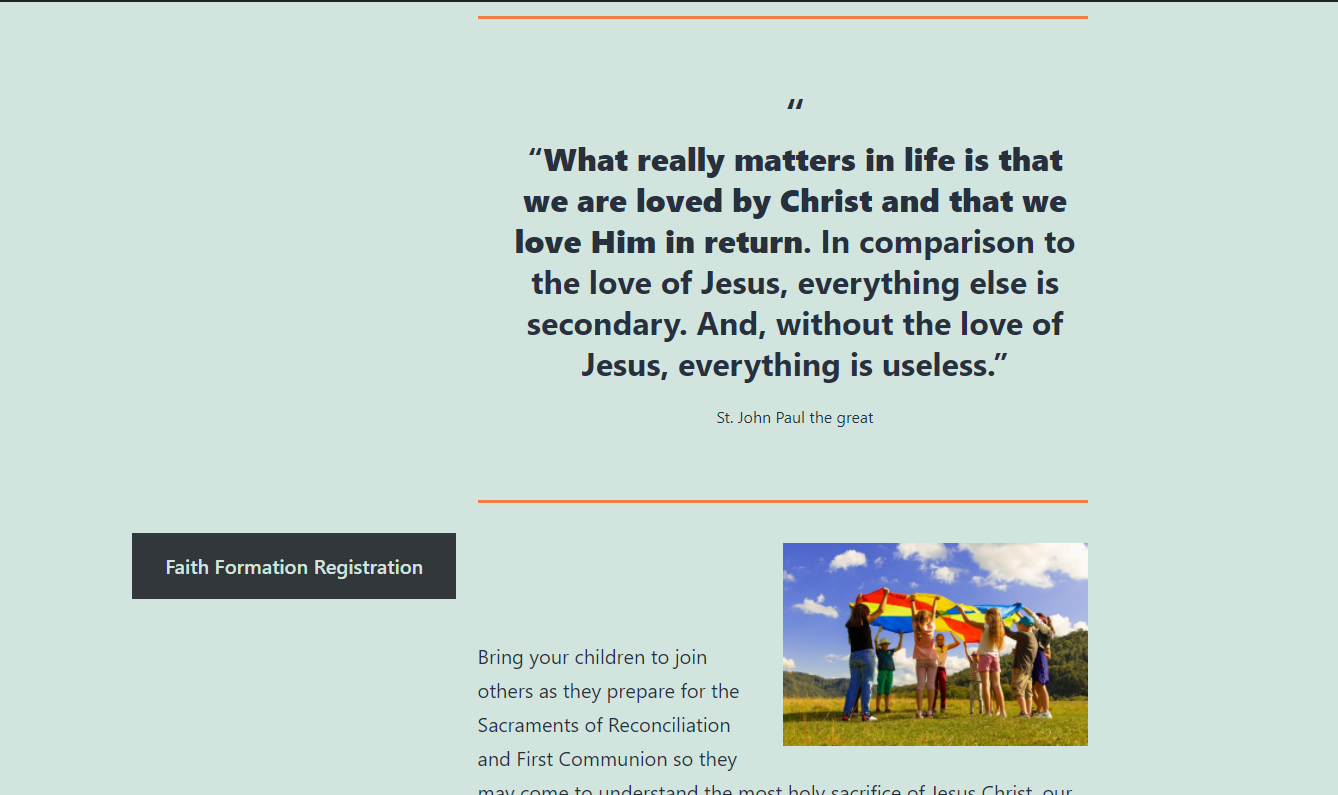
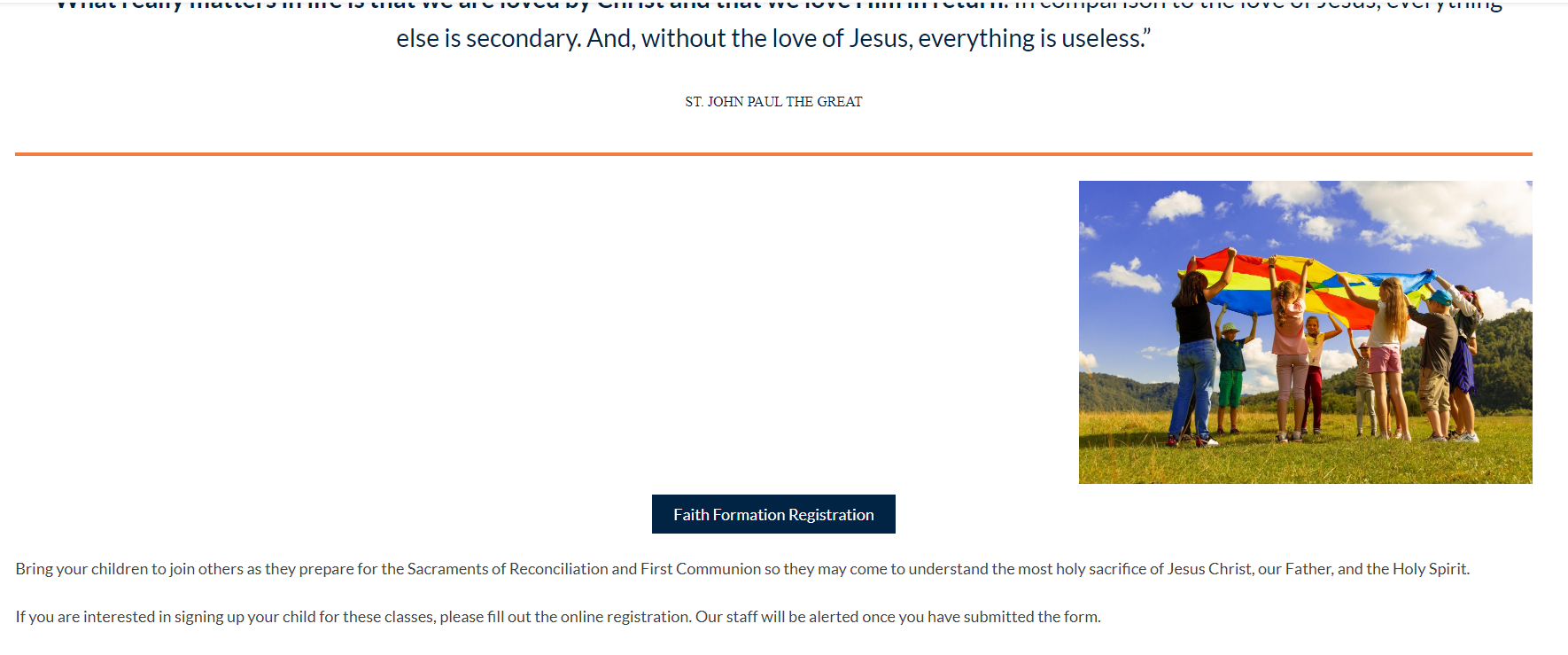 https://robert.diocesanweb.org/faith-formation/child-formation/
Here are the classes that need to change on Desktop/Laptop and from what I saw on mobile, only need one class removed/changed.- .wp-block-buttons.is-content-justification-center: add text-align: center
- .wp-block-buttons.is-content-justification-right: add text-align: right
- .wp-block-buttons: change display: flex to display: block
- Mobile: .wp-block-buttons>.wp-block-button:last-child: remove the margin-right: 0;
With those three (four with the justification-right thing) things changed and added button to show that it works.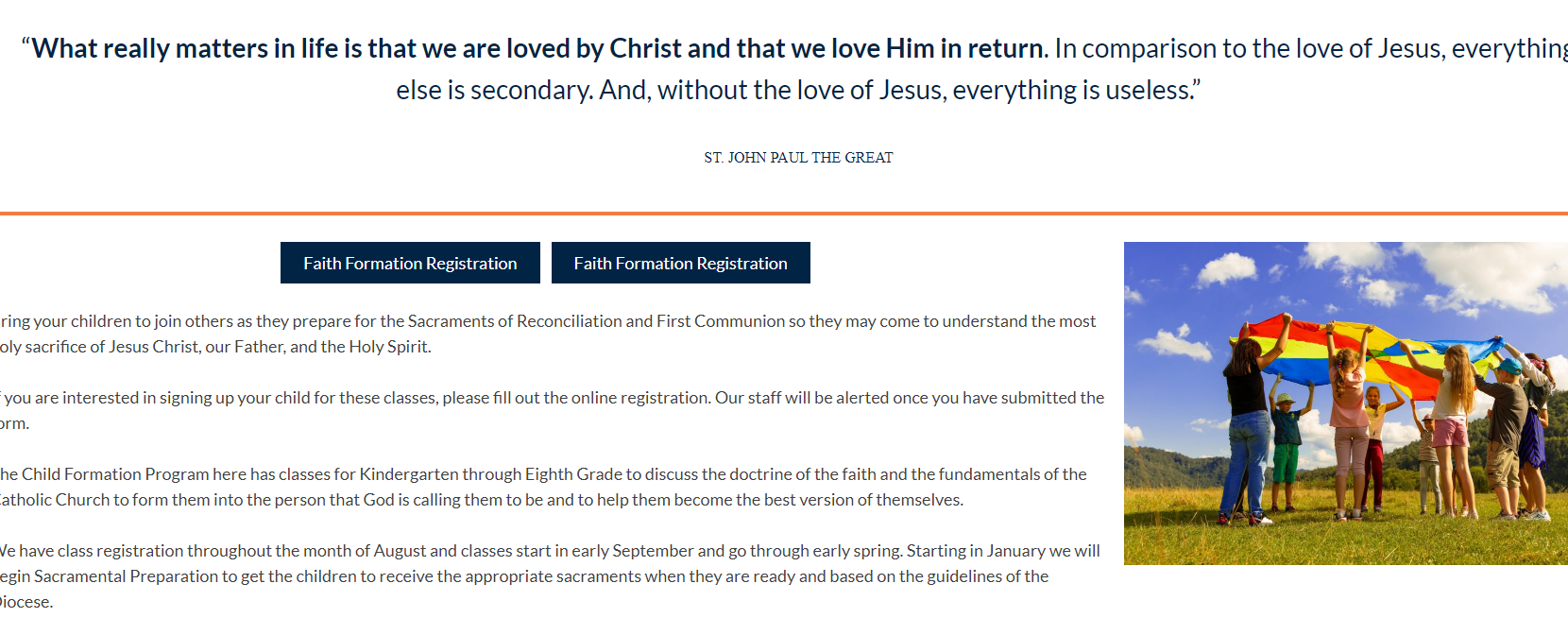
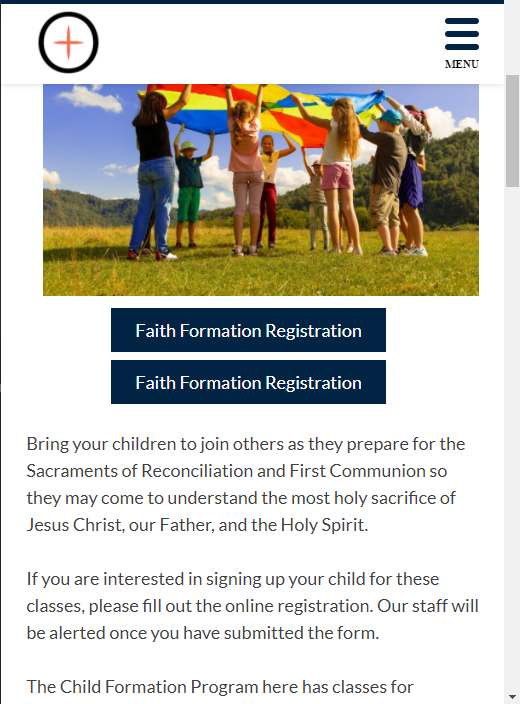
.wp-block-buttons {
  display: block;
  &.is-content-justification-center {
    text-align: center;
  }

  &.is-content-justification-right {
    text-align: right;
  }

  @media screen and (max-width: 576px) {
    &>.wp-block-button:last-child {
      margin-right: initial;
    }
  }
}