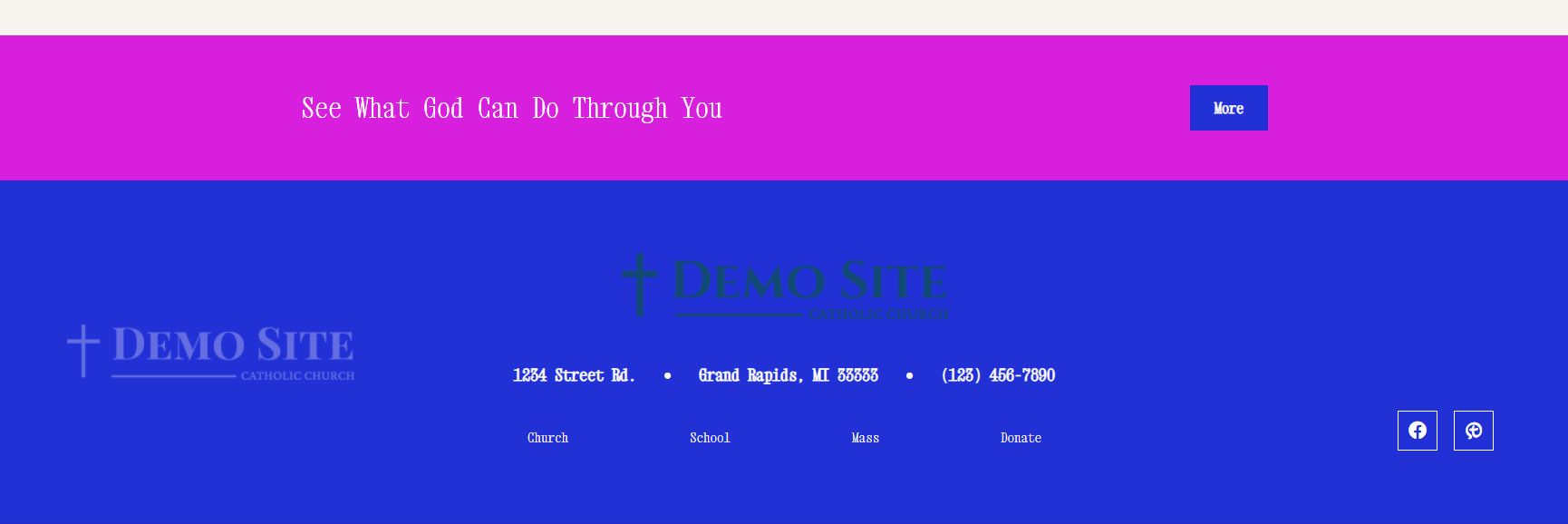
Demo Templates - Byron Center, MI

Footer - Logo is pulling in twice

Assigned to
Sam Pohlman, Web Developer at Diocesan Sam P.
Notes
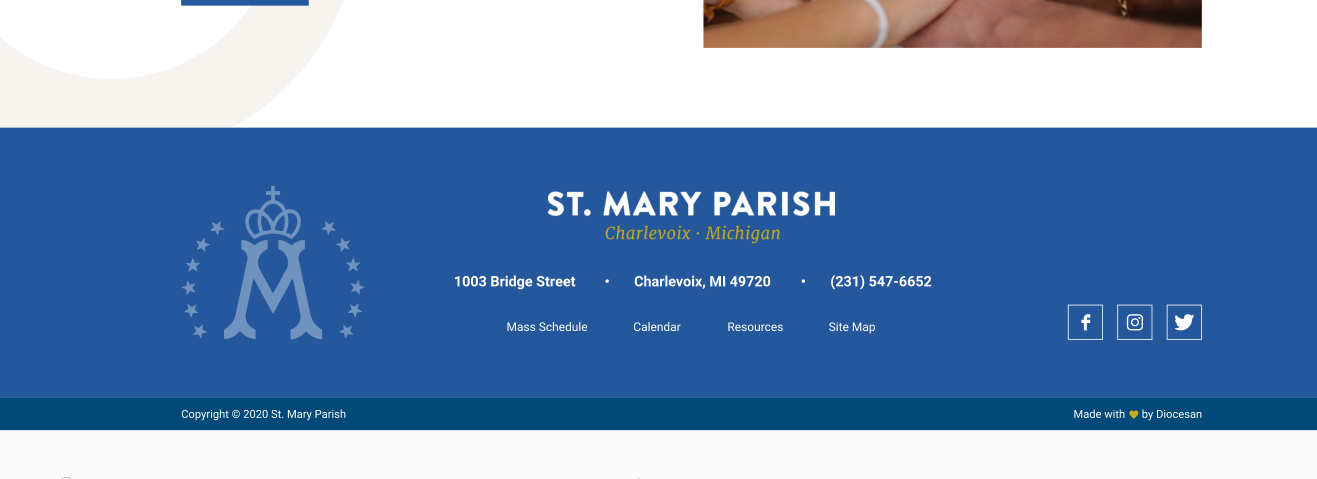
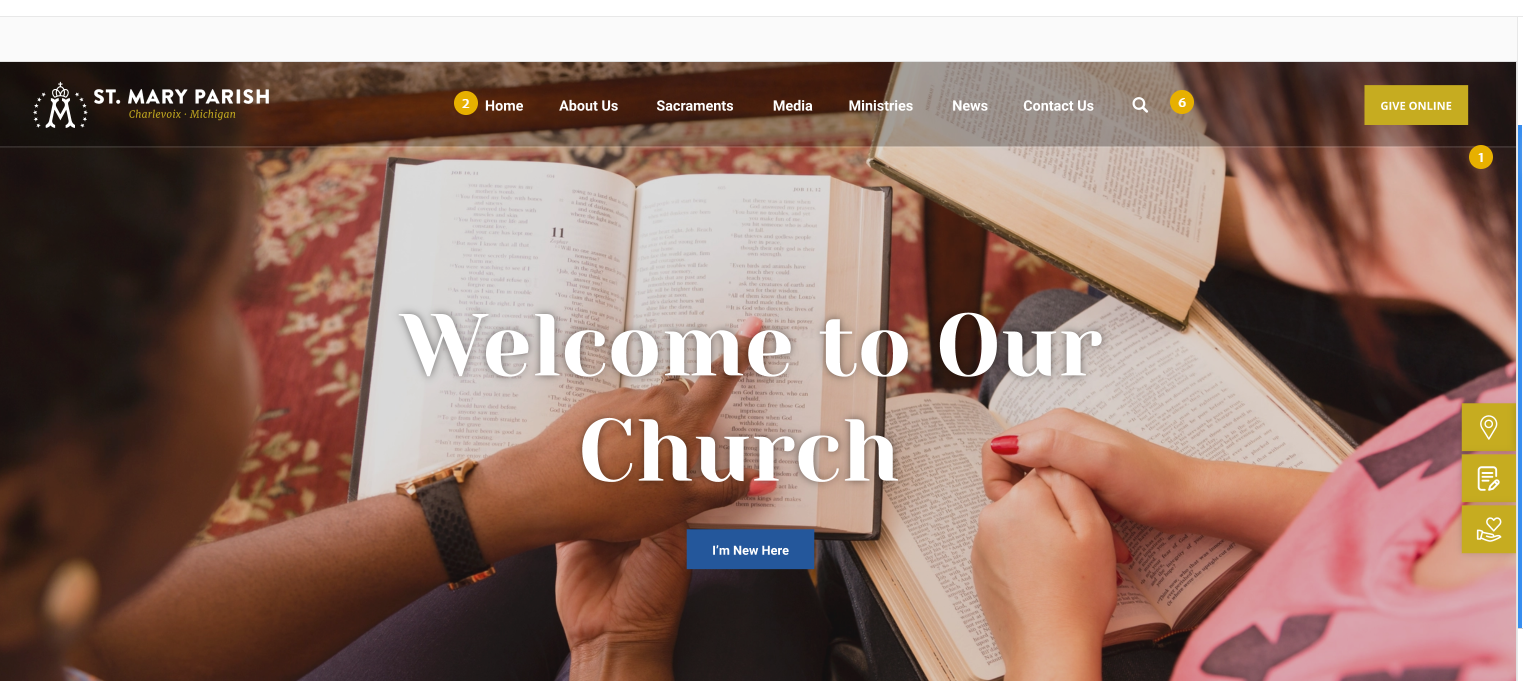
There is a logo and footer logo option in the theme settings and the proof basically has three logo options, this can be seen by the header logo having the Crowned 'M' and the footer word logo, and then just the emblem. 
https://xd.adobe.com/view/83483e0f-2714-4a79-8dbc-f5a15d9fa5f0-d61b/
Proof, Proof, and Dev
Comments & Events

Sam Pohlman, Web Developer at Diocesan
Blake Stapleton, Web Designer  at Diocesan Blake  did we want to go with the header logo as the faded out logo in the footer?
Cody Armock, Web Content Specialist at Diocesan
The proof has three different logos, the header logo with words and emblem, the top footer logo with words and no emblem, and then the footer emblem. So, I think it would almost be best if we added in another logo option into the theme settings, maybe renaming the existing ones, so there is "Header logo", "Footer Logo" and "Footer Emblem" or something like that.
Blake Stapleton, Web Designer  at Diocesan
I agree I think there should be another option like "footer icon/emblem" whichever. But it's optional...if they come to us and they only have a text logo and no icon, I think the icon on the left just doesn't show up. 

I think we'll run into more problems if we have a default icon there, so I think it's better to just remove it. 

If the icon is actually there we already have it disappearing as the screen size shrinks.
Sam Pohlman, Web Developer at Diocesan
Ok, I'll implement that then. However, if there is no left icon on desktop, should the rest of the footer's content shift over/center?
Blake Stapleton, Web Designer  at Diocesan
Yea making the content centered would be my preference if no icon is there.
Sam Pohlman, Web Developer at Diocesan 👍
Sam Pohlman, Web Developer at Diocesan
Sam Pohlman completed this to-do.