













✔ Fix heading font/color issue happening under inner Page title
Completed by Kyle S.
- Assigned to
-
 Kyle S.
- Notes
-
Below are screens of all the different styles happening. The code you see here in the tweaks is creating the orange-colored version of it, but I feel like the orange color should not be there. It gets pushed over to all of the child templates and doesn't match what the client chooses. I'm not completely sure what's going on with all of them so if you can give more clarity and we can get it worked out.
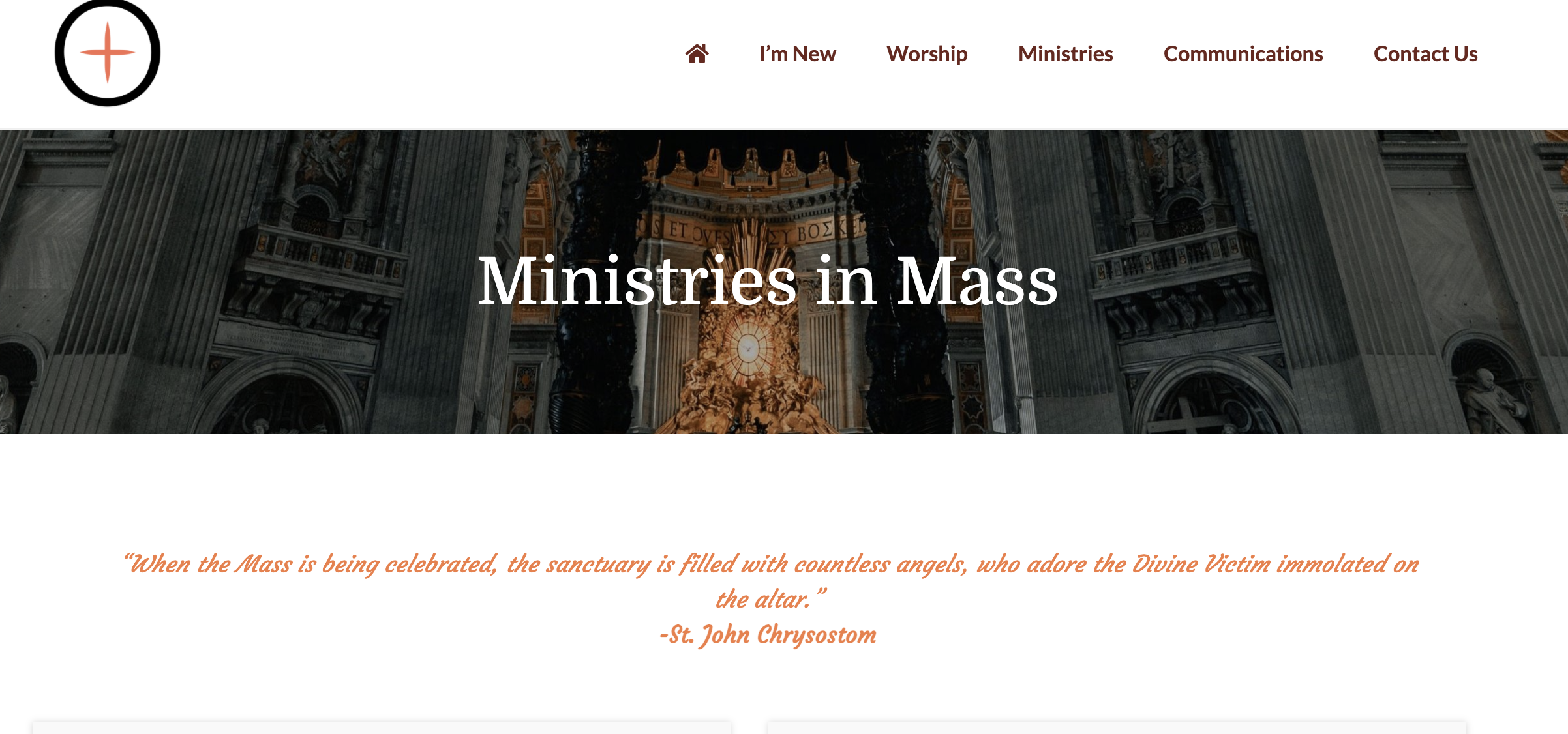
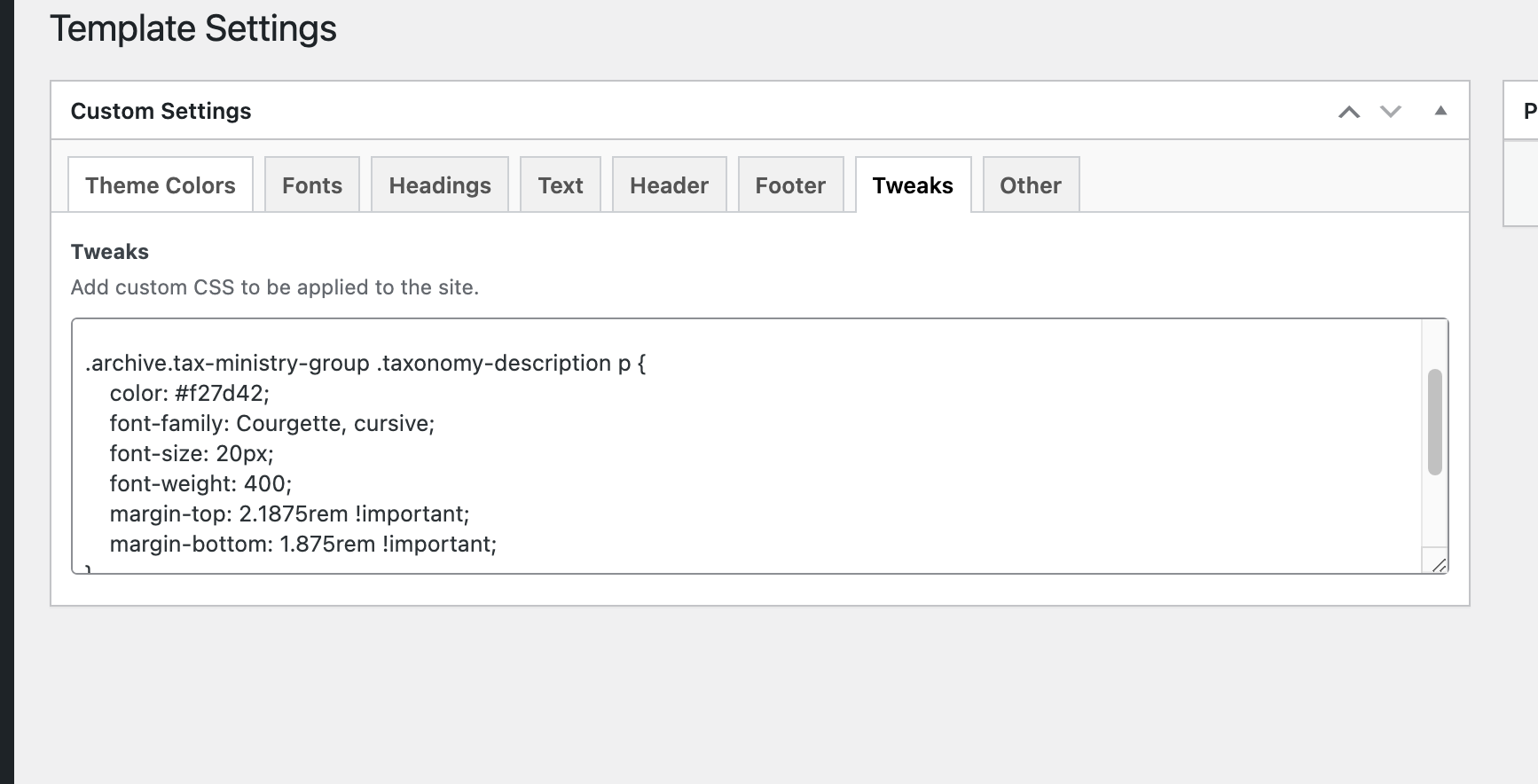
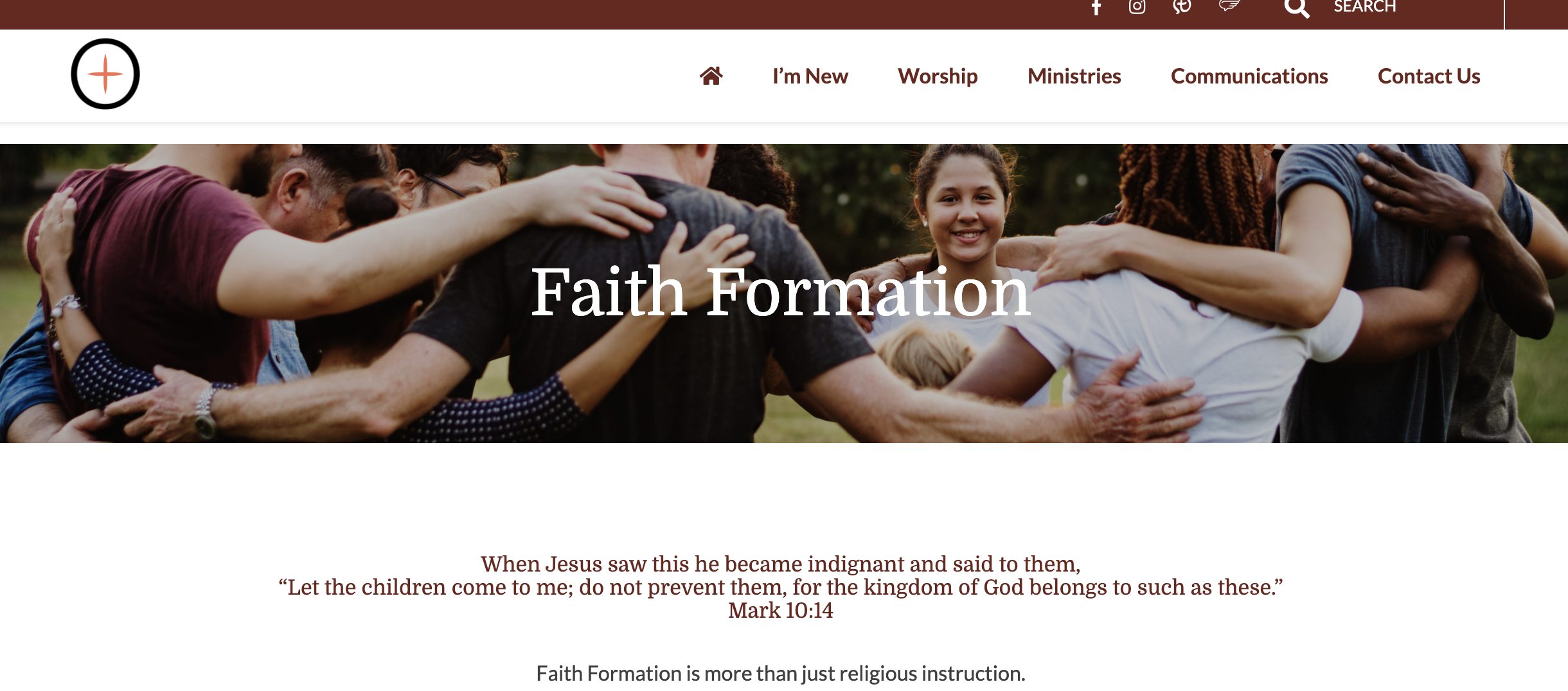
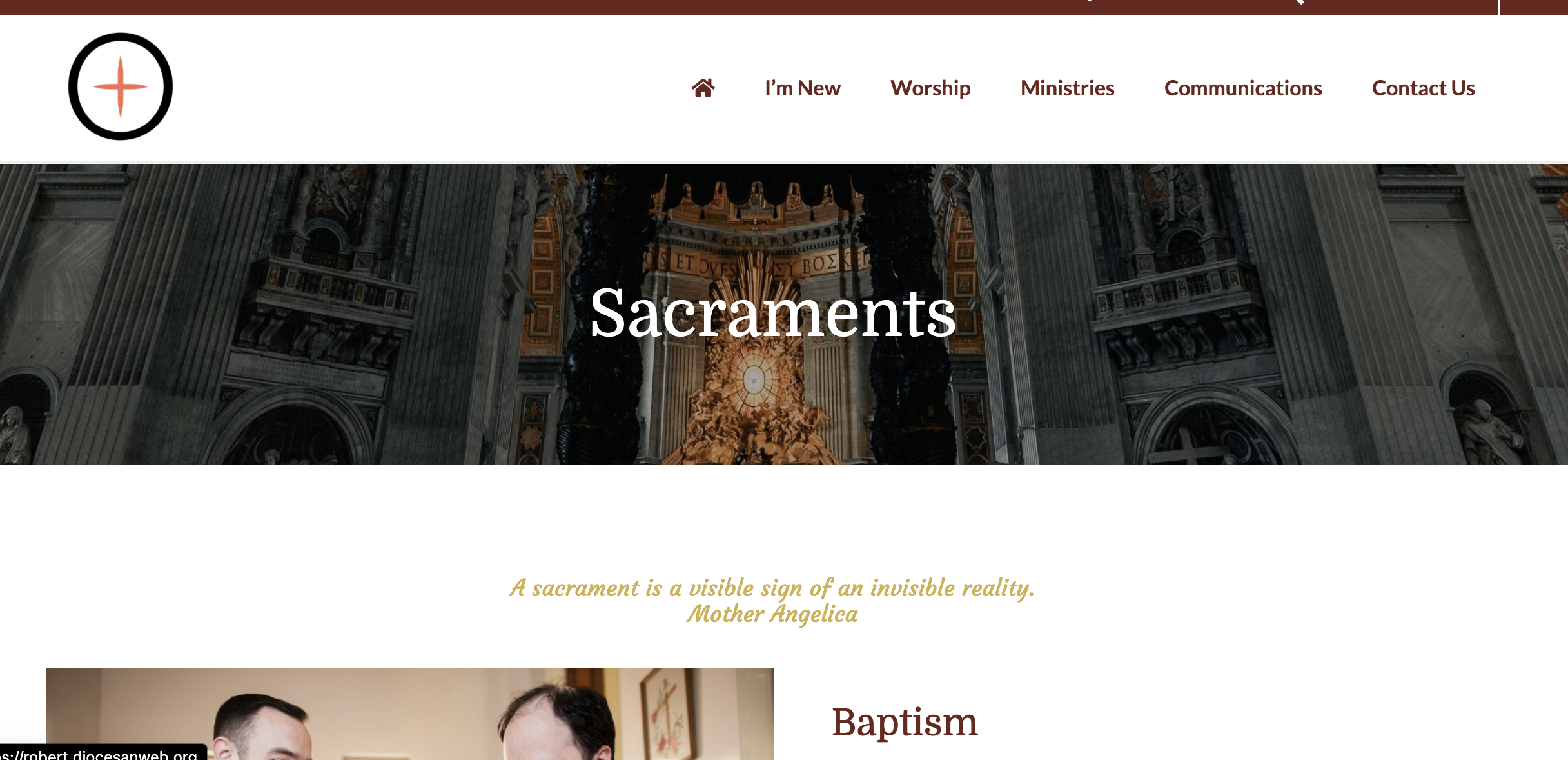
/* This is to change the background color and/or texture. Talk to Cody Designers body { background-color: transparent; background-image: url(/wp-content/uploads/2021/04/moroccan-flower.png); background-position: center center; background-repeat: no-repeat; background-size: cover; } .wpmm-force-bg { background-color: transparent; }*/