









❏ Image Buttons Styling - Change (Don't do this Now) We'll discuss after second training Archived
- Assigned to
-
 Sam P.
- Notes
-
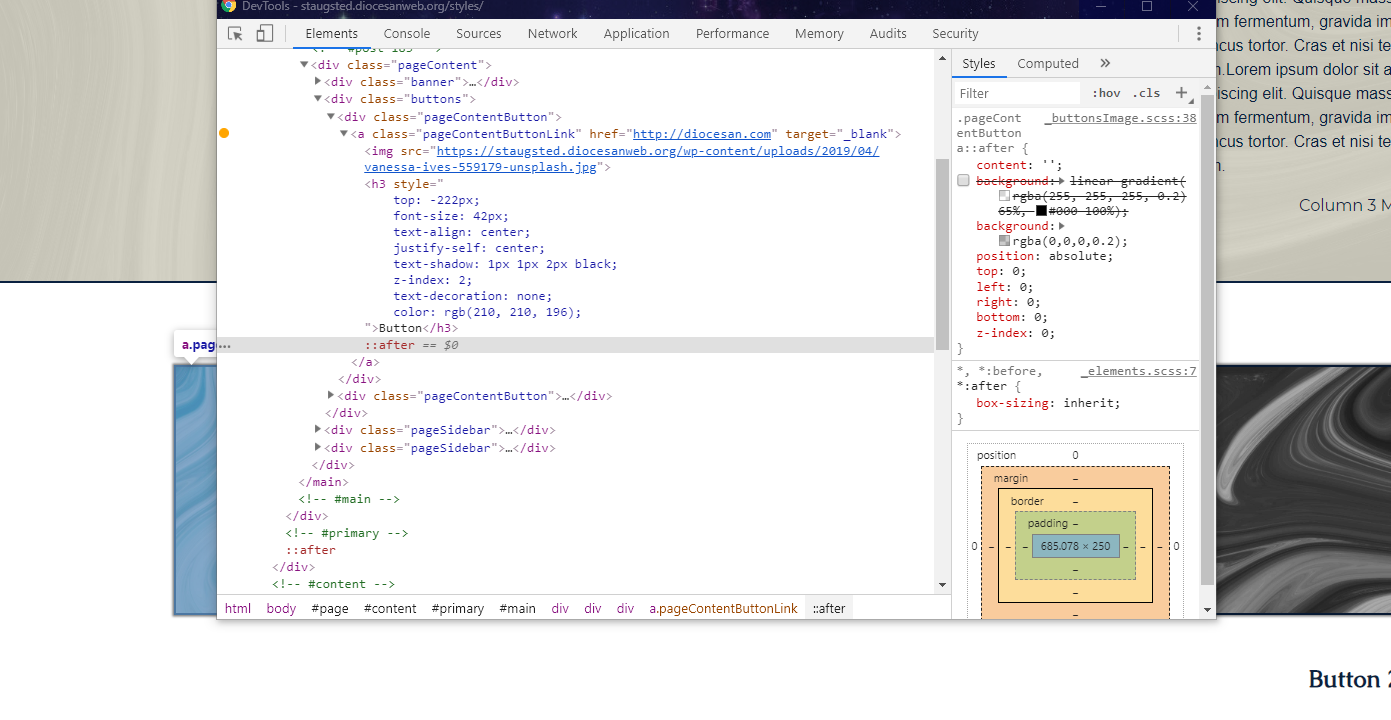
- Take away the gradient on the images
- Add a slight overlay background: rgba(0,0,0,0.2) (first Image top left)
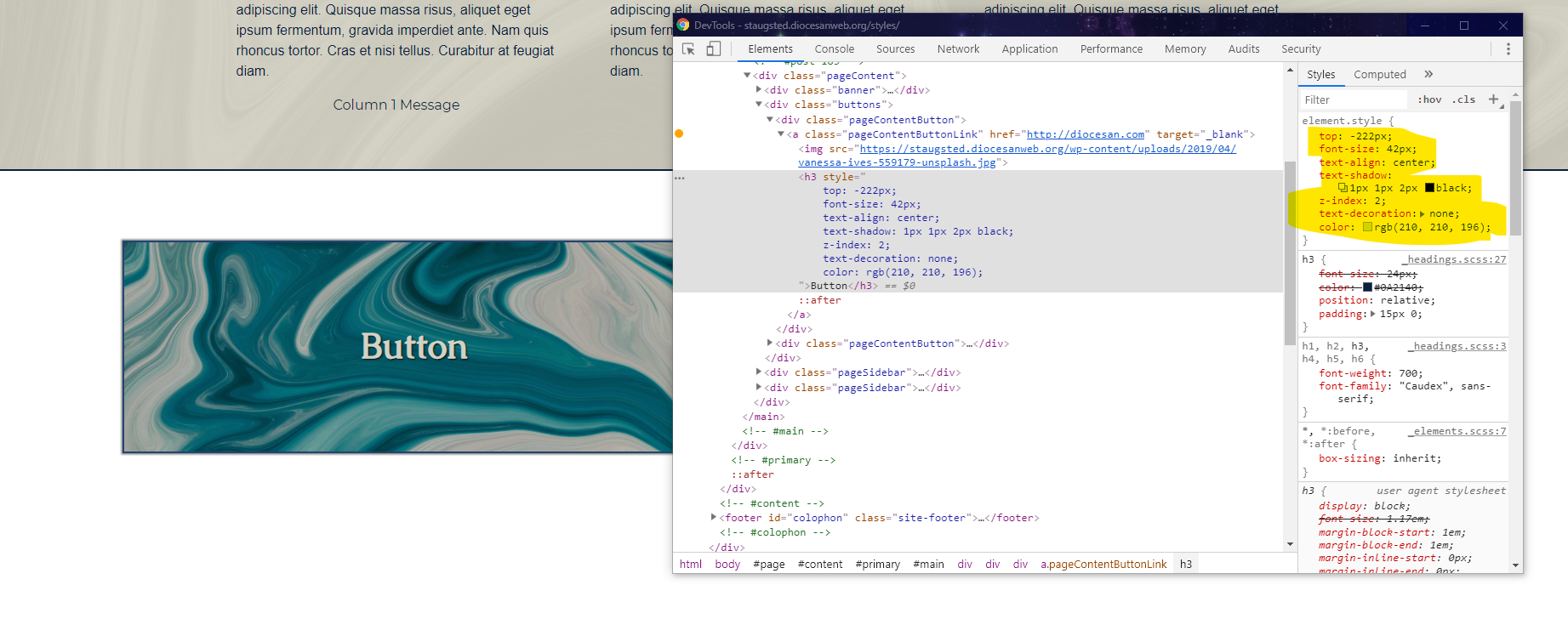
- Have the text for the buttons be on top of them, no text-decoration and (Second image top right)
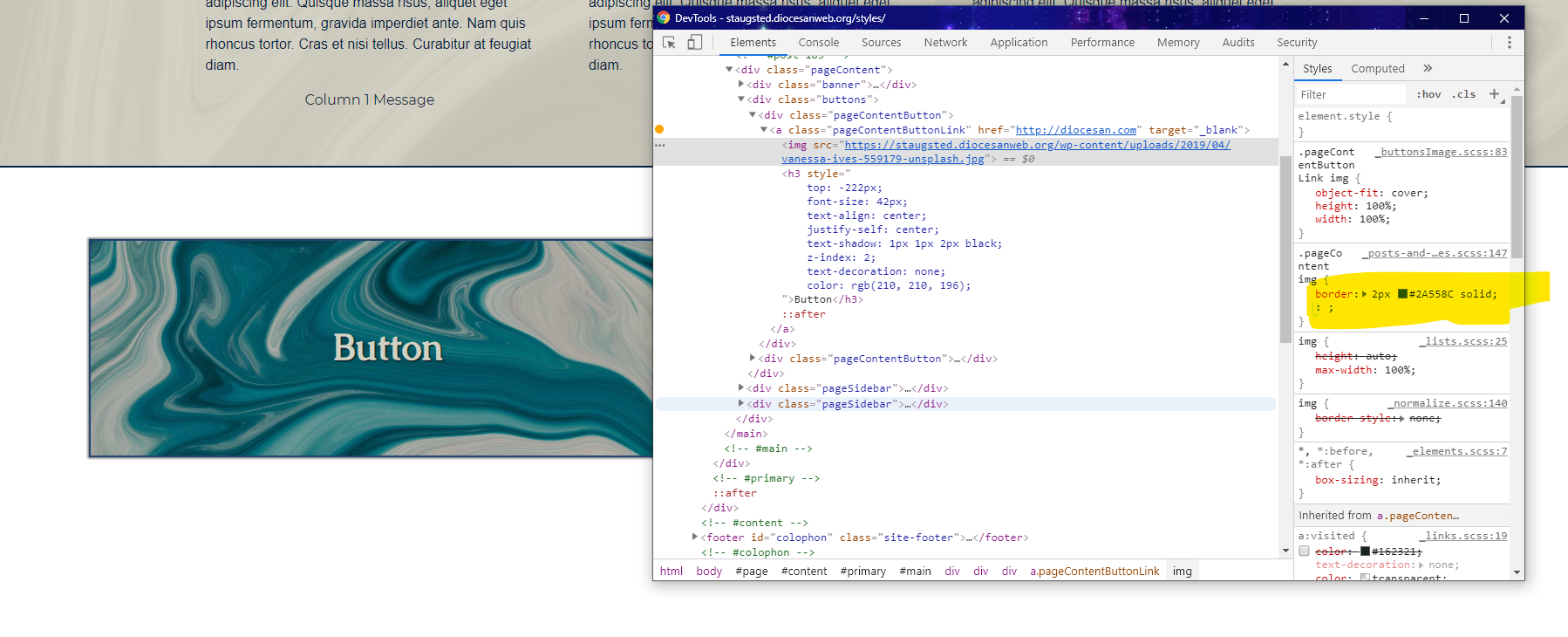
- Change the border of all images to the lighter blue (third image bottom left)
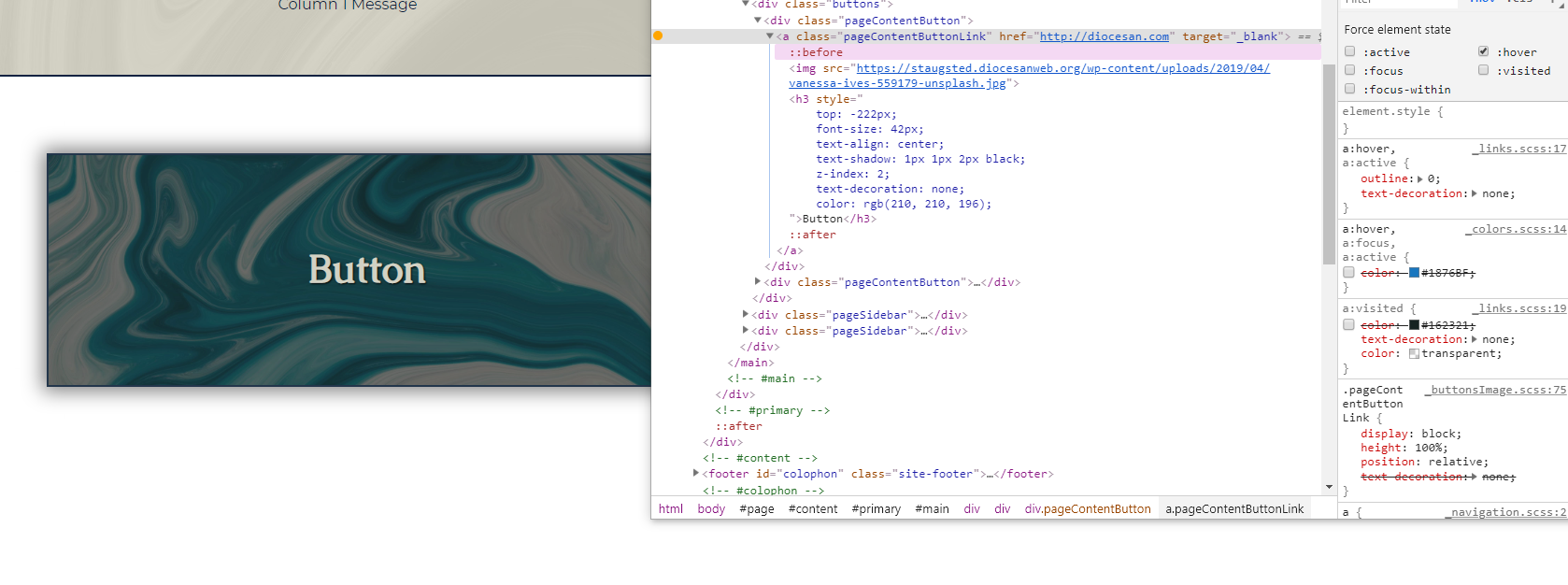
- Make the hover effect a little lighter than what it is now, which is very dark. (Fourth Image)
- We may delete them, so don't spend a lot of time on this.