













✔ Menu - Headers need IDs so the menu will work
Completed by Sam P.
- Assigned to
-
 Sam P.
- Notes
-
The different Headings/Sections on the page need IDs so that they can be linked to from the Menu.
- Galleries
- About Us
- Vendors
- FAQs
- Location
- Contact
Each of these sections needs an ID.
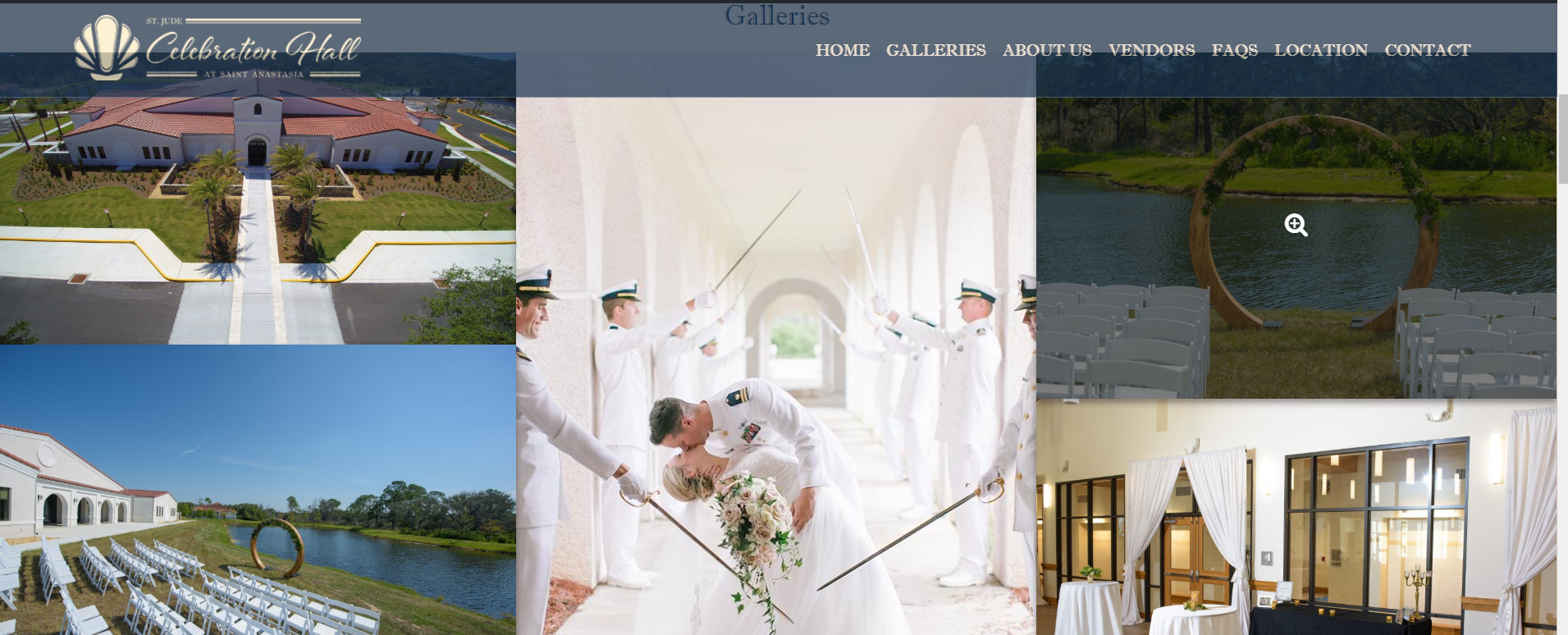
What you will need to do since there is a sticky header (photo below right shows why), is to add an anchor element before the heading or section: "<a class="dpi-anchor" id="section-name"></a> and define some CSS for the class ("dpi-anchor" in this case, choose whatever) that has the following attributes:
a .dpi-anchor{
display: block;
position: relative;
top:-120px;
visibility: hidden;
}
The id will have to change for each item.
The sticky Menu is what screws up the normal way of doing it and I showed what happens in the photo on the right, by adjusting the opacity. KB and I are working on a more long-term solution that we can add to the parent theme.
Let me know if you have any questions. It is hard to state without showing.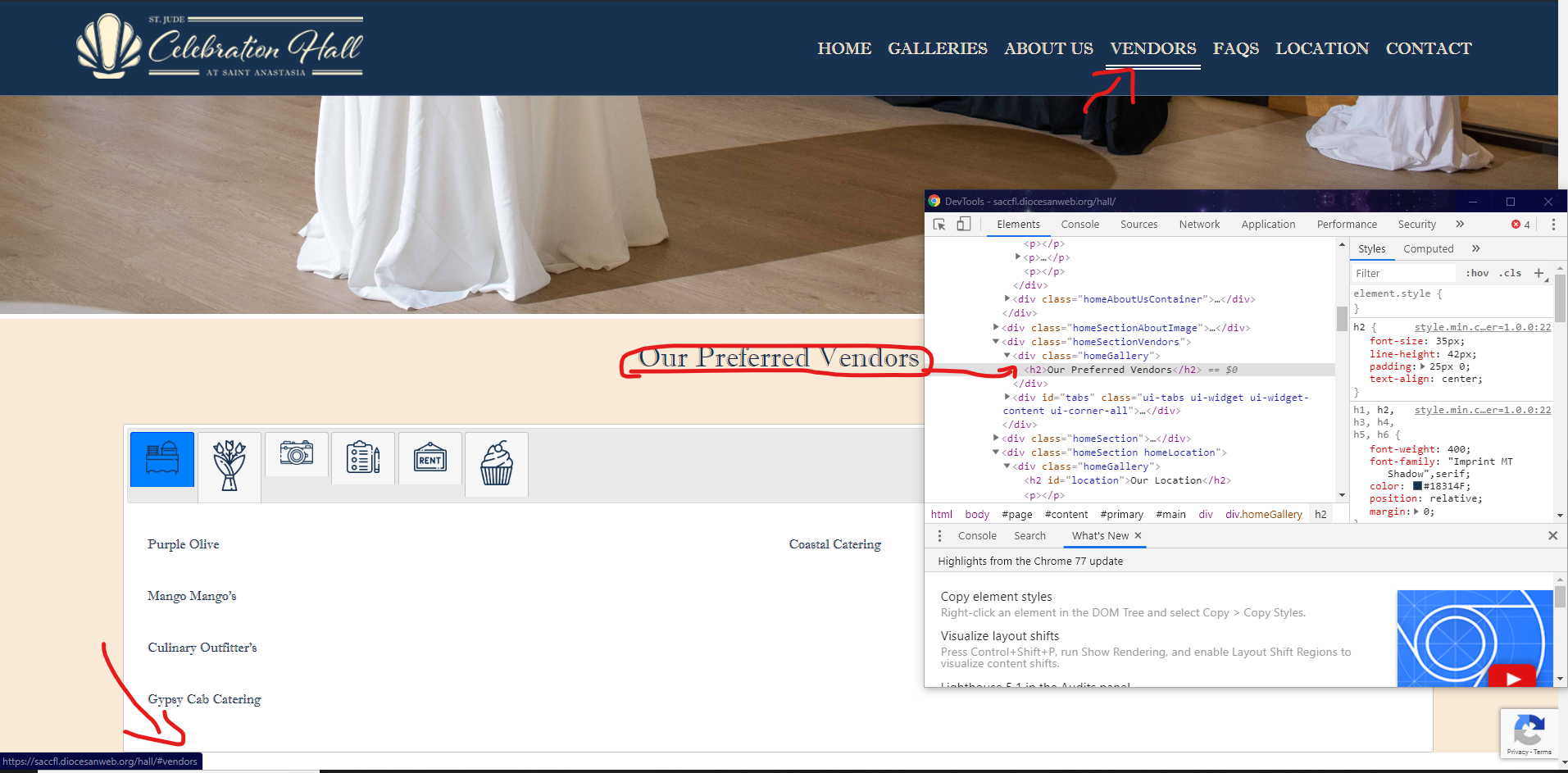
https://stackoverflow.com/questions/17534661/make-anchor-link-go-some-pixels-above-where-its-linked-to