











Design Approval
Hi Laura,
Sorry for writing the wrong name in the earlier email... I was just sending one to another parish.
I'm so excited you like the design and you are ready to give the approval. If you can approval this email we can start to schedule the next phase of the project and get you into our development queue. Here is the link to the design proof: https://xd.adobe.com/view/398bd840-c866-4d95-5cce-1eb71408f795-4fba/?hints=off
Thanks so much for your time and making the design process run very smooth. Let me know if you have any questions and I will be happy to help in any way that I can. Thanks again!
Have a great day!
Thanks,
Danae
Sorry for writing the wrong name in the earlier email... I was just sending one to another parish.
I'm so excited you like the design and you are ready to give the approval. If you can approval this email we can start to schedule the next phase of the project and get you into our development queue. Here is the link to the design proof: https://xd.adobe.com/view/398bd840-c866-4d95-5cce-1eb71408f795-4fba/?hints=off
Thanks so much for your time and making the design process run very smooth. Let me know if you have any questions and I will be happy to help in any way that I can. Thanks again!
Have a great day!
Thanks,
Danae
 Laura Lewis
Is there a reason I can scroll down on the website page to show them the entire page?
 Danae Chudy
Do you mean looking through the different webpages? There are arrows at the bottom that allow you to click through the different pages.
Otherwise, the proof should allow you scroll down using two fingers on a touchpad or the mouse scrolling tool. Make sure your mouse is over top the proof too so the computer knows where you are trying to scroll down.
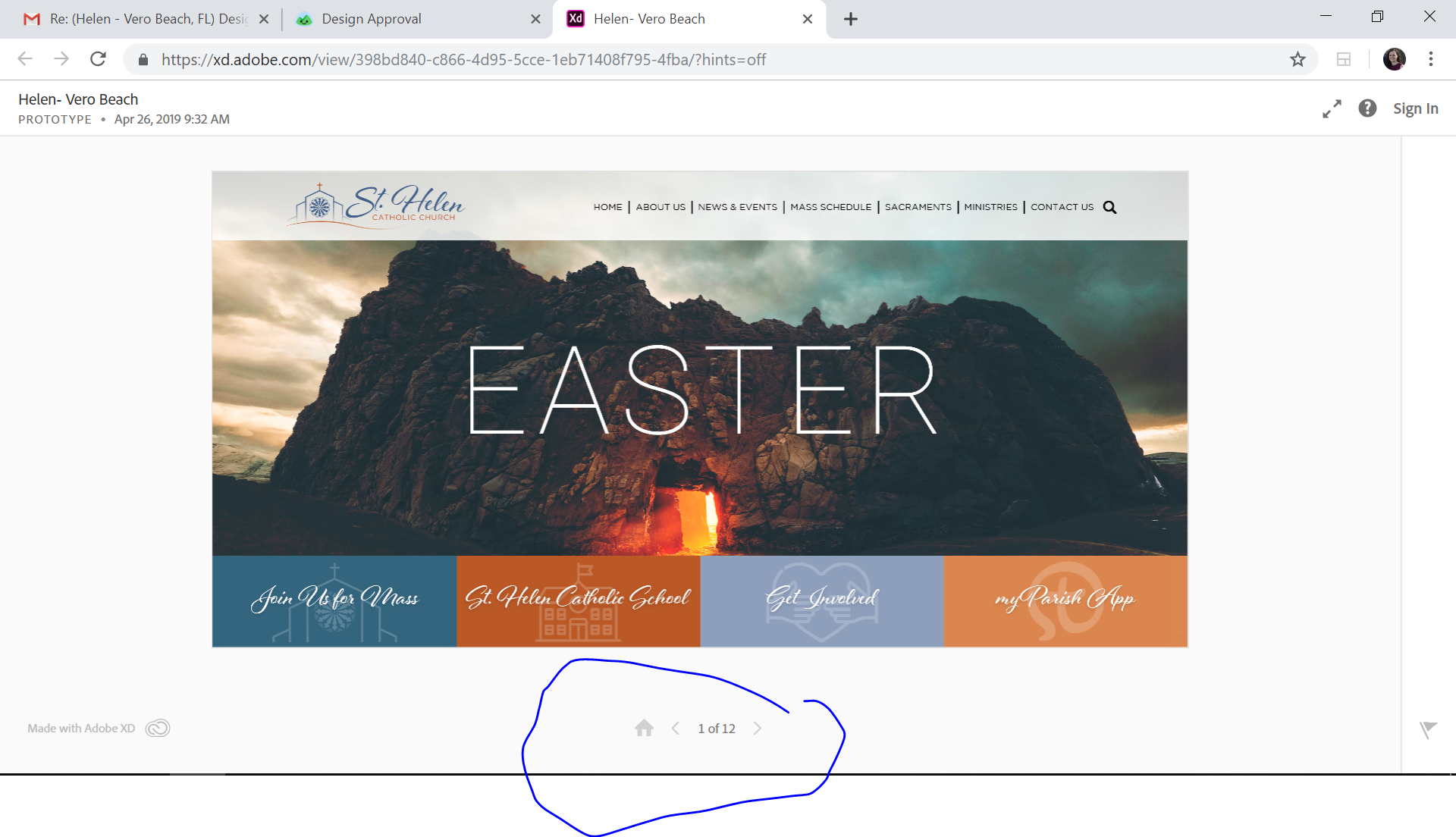
Otherwise, the proof should allow you scroll down using two fingers on a touchpad or the mouse scrolling tool. Make sure your mouse is over top the proof too so the computer knows where you are trying to scroll down.
Laura Lewis
It's not letting me scroll down to see the bottom of the page. I see exactly what is in this photo you just sent and can arrow to the next page, but am only seeing the top 1/2 of each page. I can't page down, scroll, arrow down...nothing.
 Veronica Alvarado
Hi Laura,
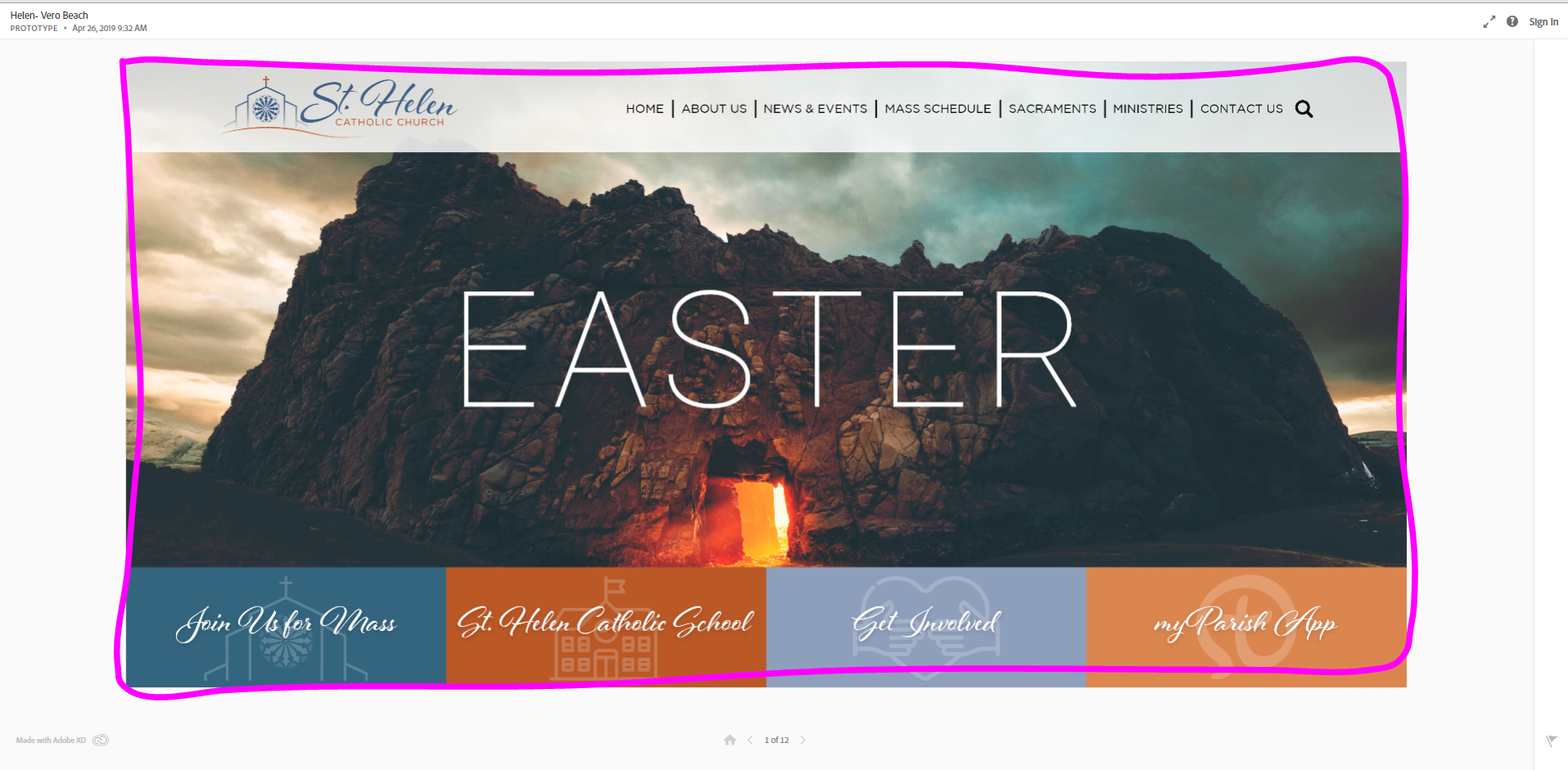
Veronica, content specialist, here! I've had the same amount of confusion from this, so you're not alone. You must have your mouse over the design (not in the whitespace) in order to scroll down on the design. I have attached an image with a box drawn on it. Your mouse will need to be inside of this box to scroll down on the designs.
Veronica Alvarado
Web Department, Diocesan
877-923-0777
877-923-0777
Laura Lewis
Design is approved. Let's move forward.
Danae Chudy
Great! If you could please go back to the original email and follow these steps:
When you receive an email for approval, you should see a green button in the email that reads, "Click here to see [Designer]'s request." Please click on the button to approve or unapprove of the design.

Once you have clicked to view the request, you will come to another screen that gives you the option of saying Yes or No. Please select one or the other.
If you select no, you will be prompted to add notes as to what we need to work on before getting your approval.

Thanks! Please let me know if you have any questions!
Danae
When you receive an email for approval, you should see a green button in the email that reads, "Click here to see [Designer]'s request." Please click on the button to approve or unapprove of the design.
Once you have clicked to view the request, you will come to another screen that gives you the option of saying Yes or No. Please select one or the other.
If you select no, you will be prompted to add notes as to what we need to work on before getting your approval.
Thanks! Please let me know if you have any questions!
Danae
Laura Lewis
Please resend it. I hate long email strings and I probably deleted it.