












Training Follow Up
Good Afternoon Fr. Brokaw and Julie
In training, we talked about adding the calendar to the website. Here are instructions on how to make your Calendar public and how to get the Calendar ID, which is what we need to put it on the website.
Make your Google Calendar public:
- In the Google Calendar interface, locate the "My calendars" area on the left.
- Hover over the calendar you need and click the vertical three dots.
- A menu will appear. Click "Settings and Sharing".
- Under "Access Permissions" check "Make this calendar public".
- Make sure "See all event details" is selected from the dropdown.
Obtain your Google Calendar's ID:
- In the Google Calendar interface, locate the "My calendars" area on the left.
- Hover over the calendar you need and click the vertical three dots.
- A menu will appear. Click "Settings and Sharing".
- In the "Integrate calendar" section of the screen (near the bottom), you will see your Calendar ID. It will look something like "abcd1234@group.calendar.google.com" or abcd@gmail.com.
Let me know what the Calendar ID and we will add it to the website.
Thank you,
Cody Armock
Web Content Specialist, Web Department
Web Content Specialist, Web Department
877-923-0777
 Fr Lee Brokaw
 Cody Armock
Good Morning Fr. Brokaw,
I have switched out the calendar on the homepage and have made a page for it called Parish Calendar and linked that on the homepage's view full schedule button.
Cody Armock
I have switched out the calendar on the homepage and have made a page for it called Parish Calendar and linked that on the homepage's view full schedule button.
Cody Armock
Web Department, Diocesan
877-923-0777
Cody Armock
Good Afternoon Fr. Brokaw and Julie,
Here is the meeting information for the training tomorrow:
Diocesan is inviting you to a scheduled Zoom meeting.
Topic: Second Training | Galesburg Catholic (Galesburg, IL)
Time: Aug 24, 2021 10:00 AM Central Time (US and Canada)
Join Zoom Meeting
https://us02web.zoom.us/j/84300722626
Meeting ID: 843 0072 2626
Cody Armock
Here is the meeting information for the training tomorrow:
Diocesan is inviting you to a scheduled Zoom meeting.
Topic: Second Training | Galesburg Catholic (Galesburg, IL)
Time: Aug 24, 2021 10:00 AM Central Time (US and Canada)
Join Zoom Meeting
https://us02web.zoom.us/j/84300722626
Meeting ID: 843 0072 2626
Cody Armock
Web Department, Diocesan
877-923-0777
Fr Lee Brokaw
Cody,
Could you share with me on our temp website how to add pdf files? I would like to add 3 pdf forms for CCD this year at the bottom of the page?
I am hoping to get better at working on the new website but my background is not in web design!
Thanks,
Fr. Brokaw
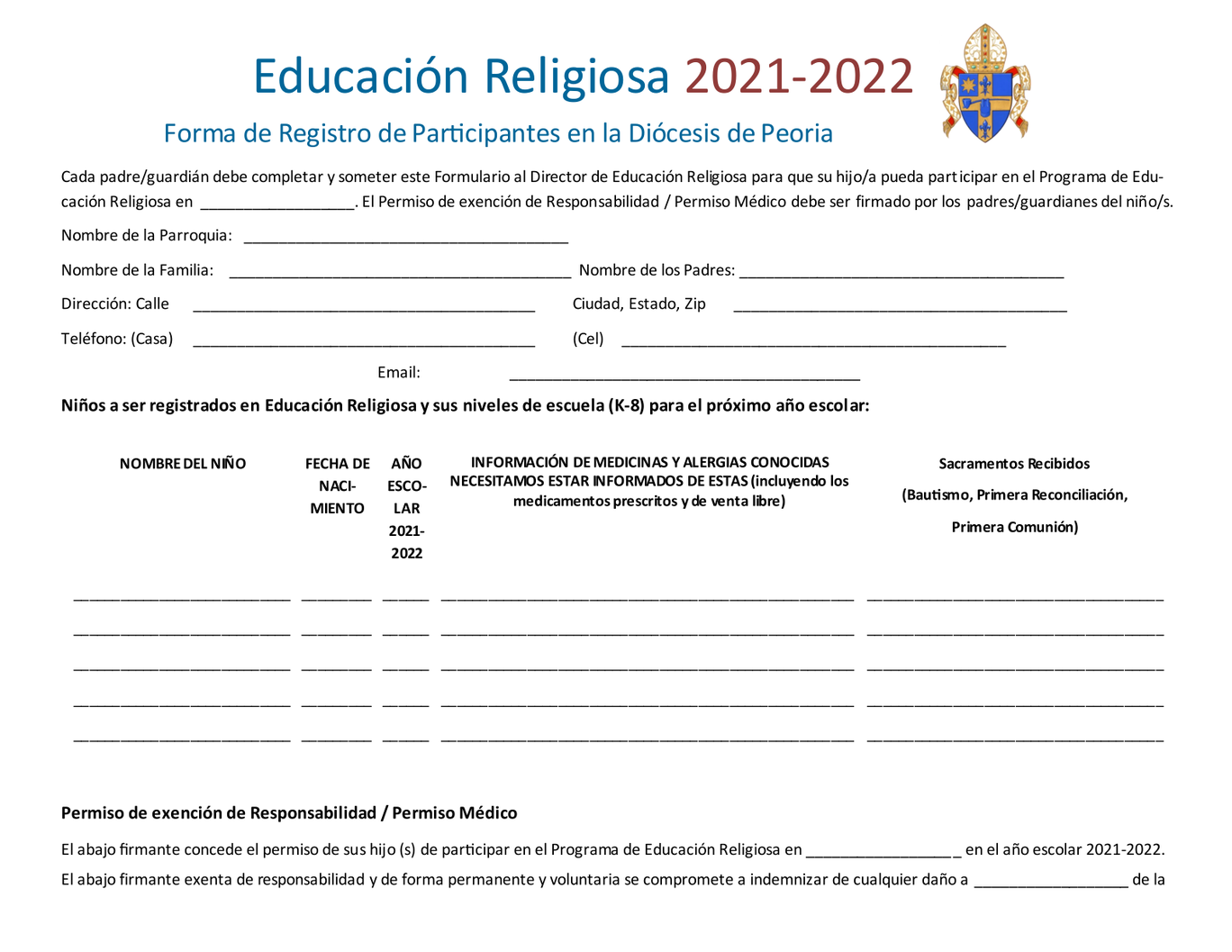
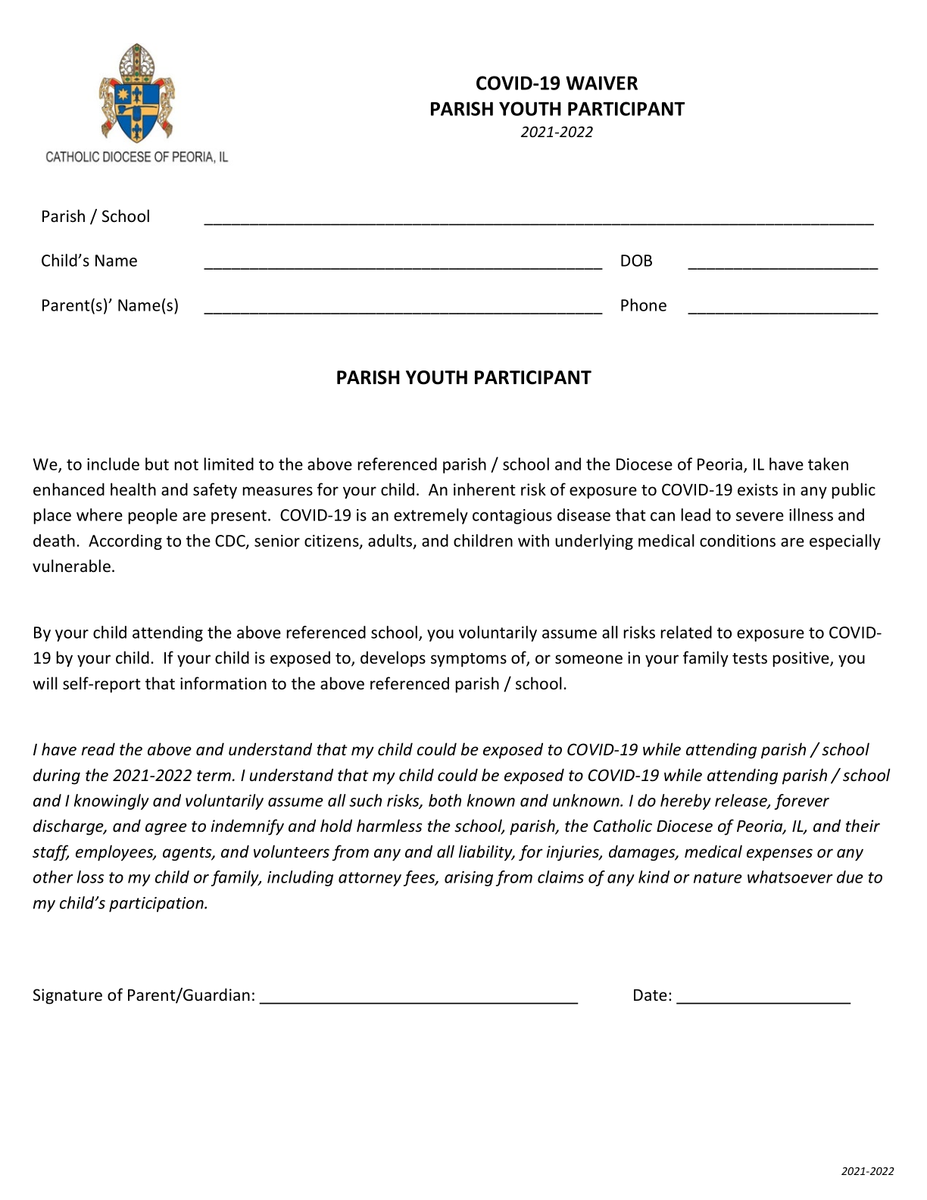
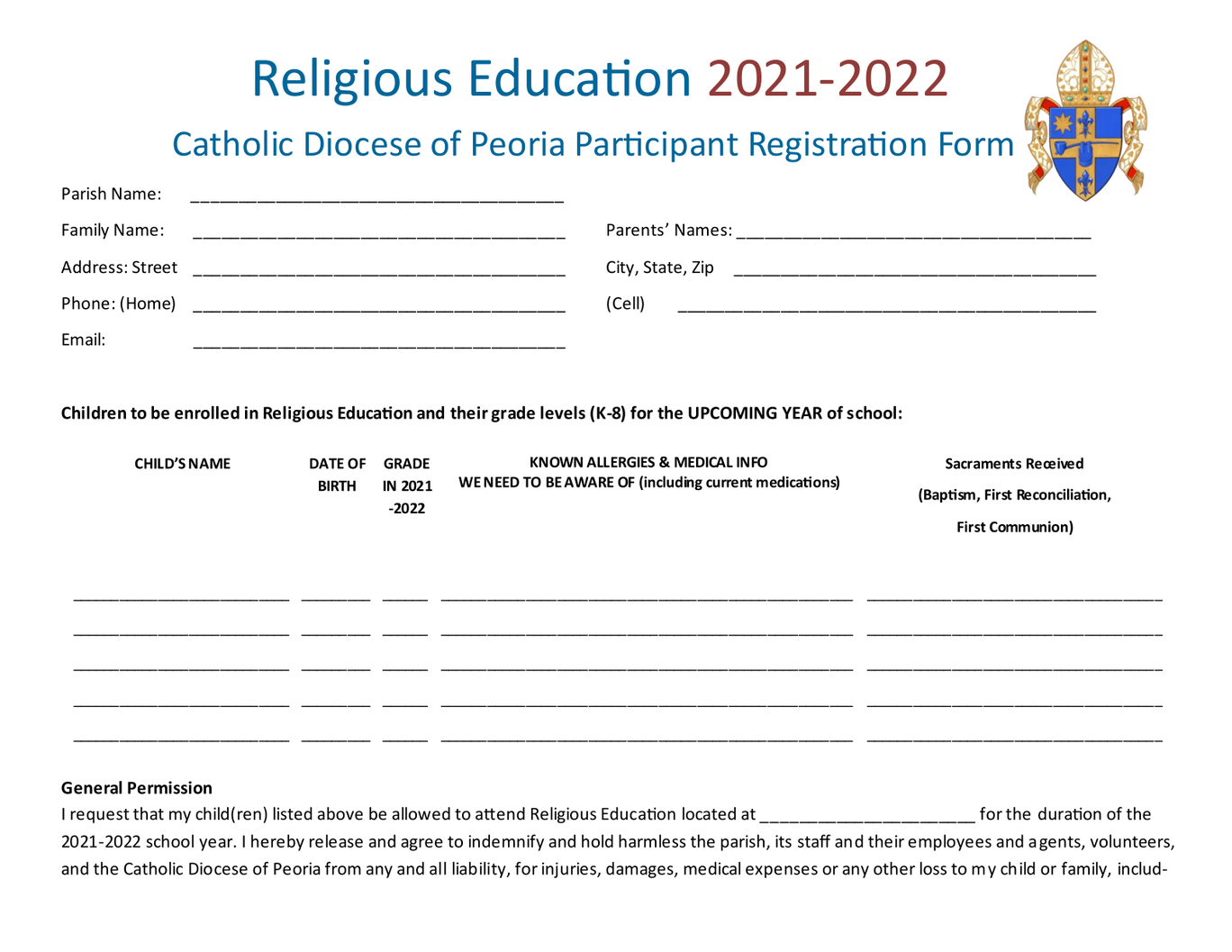
Could you share with me on our temp website how to add pdf files? I would like to add 3 pdf forms for CCD this year at the bottom of the page?
I am hoping to get better at working on the new website but my background is not in web design!
Thanks,
Fr. Brokaw
Cody Armock
Hello Fr. Brokaw,
Here is step-by-step instructions on how to do that: https://robertdemo.diocesanweb.org/support/how-to-upload-documents-to-your-website/
Let me know if you need further assistance on it!
Cody Armock
Here is step-by-step instructions on how to do that: https://robertdemo.diocesanweb.org/support/how-to-upload-documents-to-your-website/
Let me know if you need further assistance on it!
Cody Armock
Web Department, Diocesan
877-923-0777
Fr Lee Brokaw
Got it! How do we remove the vbs button at the bottom? I’m not finding this block when editing. I appreciate your help.
Cody Armock
Hello Fr. Brokaw,
You can remove that button at the bottom of the homepage when editing the homepage on the temporary site.
Cody Armock
You can remove that button at the bottom of the homepage when editing the homepage on the temporary site.
Cody Armock
Web Department, Diocesan
877-923-0777
Fr Lee Brokaw
Good afternoon Cody,
With a full schedule here I haven’t been able to designate too much additional time to inputing information into the development pages of the website. I wanted to ask a few questions regarding this.
1) what would the website look like right now if we were to launch? Are there mass times and parish information?
2) can I slowly add information following launch and/or could I hire Diocesan for some additional hours to help me with content development and inputting into our website?
Thank you in advance!
Fr. Lee Brokaw
With a full schedule here I haven’t been able to designate too much additional time to inputing information into the development pages of the website. I wanted to ask a few questions regarding this.
1) what would the website look like right now if we were to launch? Are there mass times and parish information?
2) can I slowly add information following launch and/or could I hire Diocesan for some additional hours to help me with content development and inputting into our website?
Thank you in advance!
Fr. Lee Brokaw
Cody Armock
Hello Fr. Brokaw,
1. The website would look just like the development site as it appears right now when it launches. The Mass Times are there. There is no content on a lot of the pages, which I would no recommend with that much missing, but we can always remove them and you can add that content later, but I don't know how much different this one would be than the temporary sites you have now
2. After the site launches, you can add content whenever you would like. Since Diocesan would need the content to add to the website anyway, I don't know how much help we would be since you could just add that information to the website almost as easily as sending it over to us to add it.
Cody Armock
Web Department, Diocesan
877-923-0777
1. The website would look just like the development site as it appears right now when it launches. The Mass Times are there. There is no content on a lot of the pages, which I would no recommend with that much missing, but we can always remove them and you can add that content later, but I don't know how much different this one would be than the temporary sites you have now
2. After the site launches, you can add content whenever you would like. Since Diocesan would need the content to add to the website anyway, I don't know how much help we would be since you could just add that information to the website almost as easily as sending it over to us to add it.
Cody Armock
Web Department, Diocesan
877-923-0777