














Revolution Slider Instructions
Adding a New Slide
- Click Slider Revolution

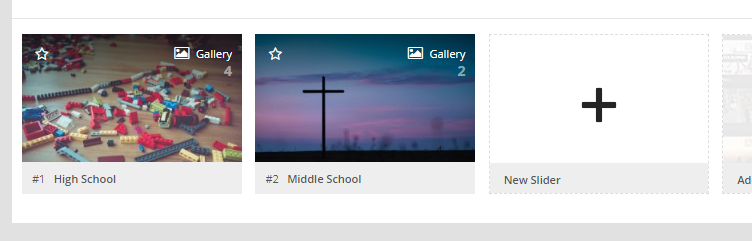
- Click the Slider you wish to edit or click New Slider
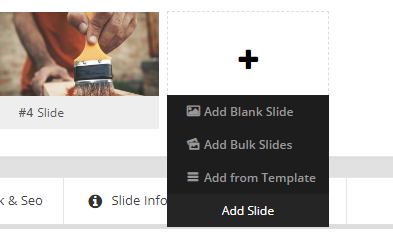
- Hover over Add Slide and click Add From Template
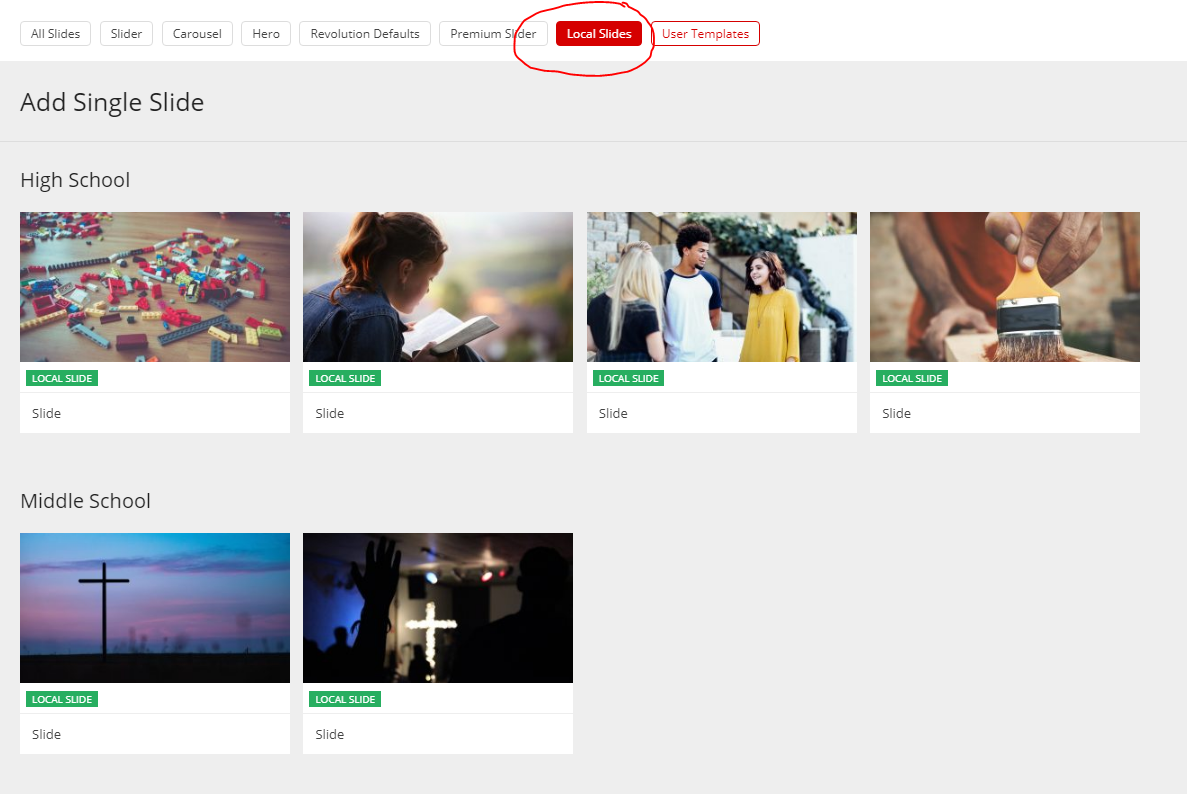
- Click Local Slides from the top and select any of your previous slides.
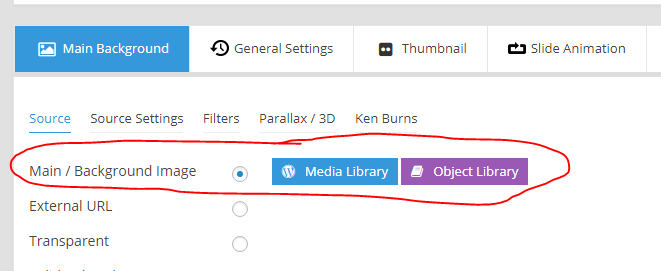
- Change the Main/Background Image and set as image.
- Scroll down to edit text (click text box then click edit pencil)
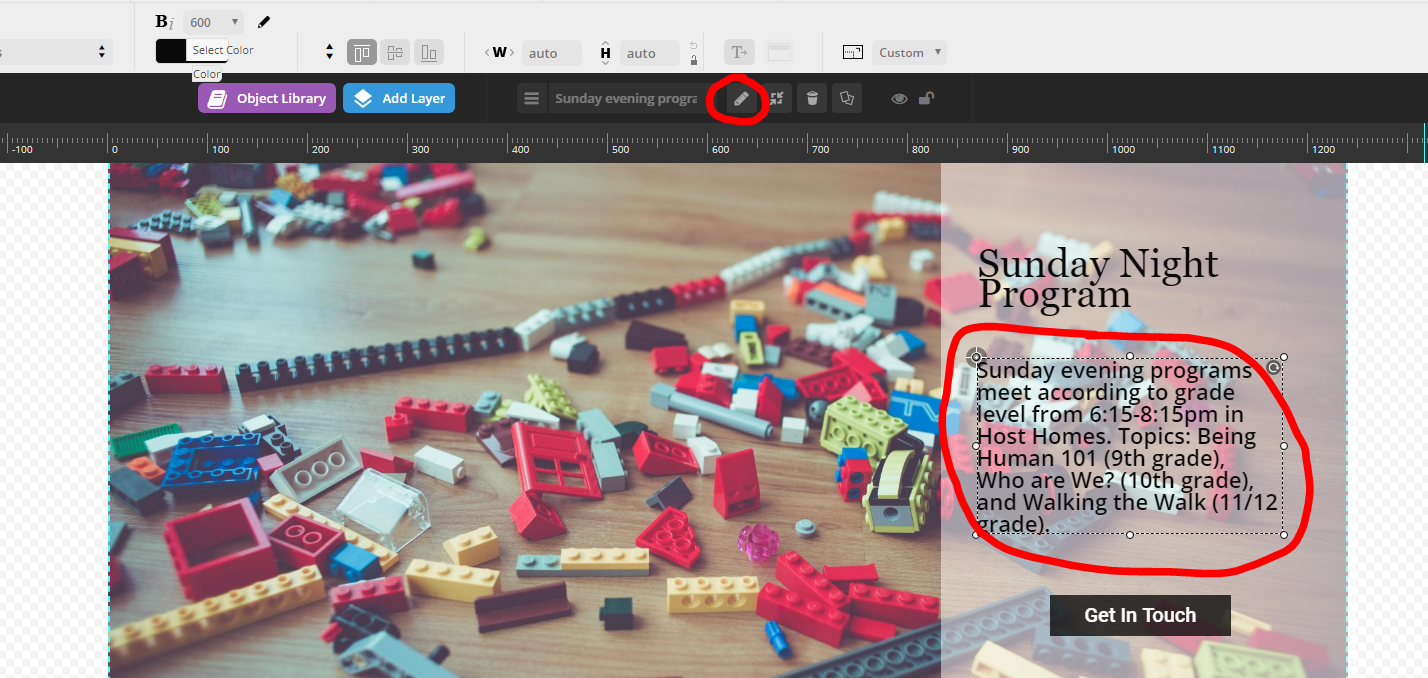
- Line breaks are created using <br>
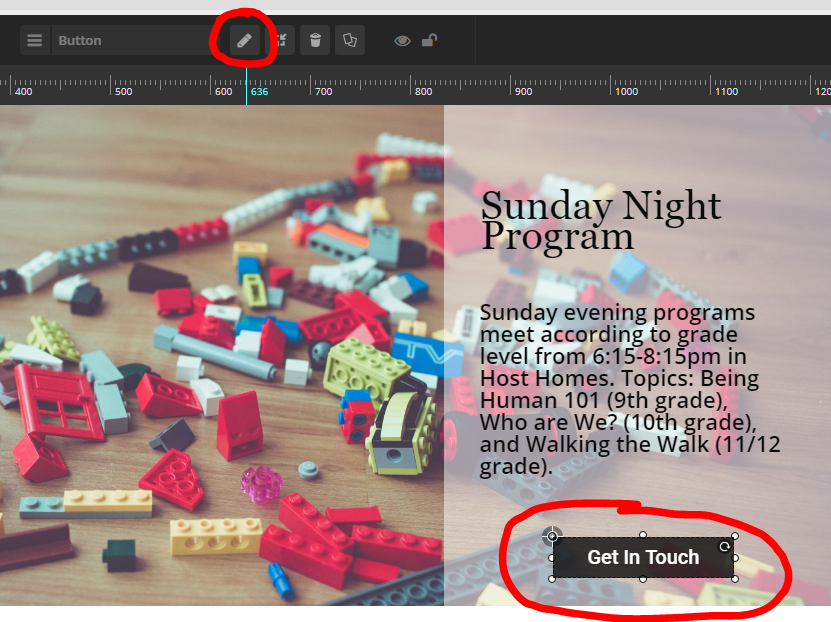
- To change the button text, click the button then the edit pencil
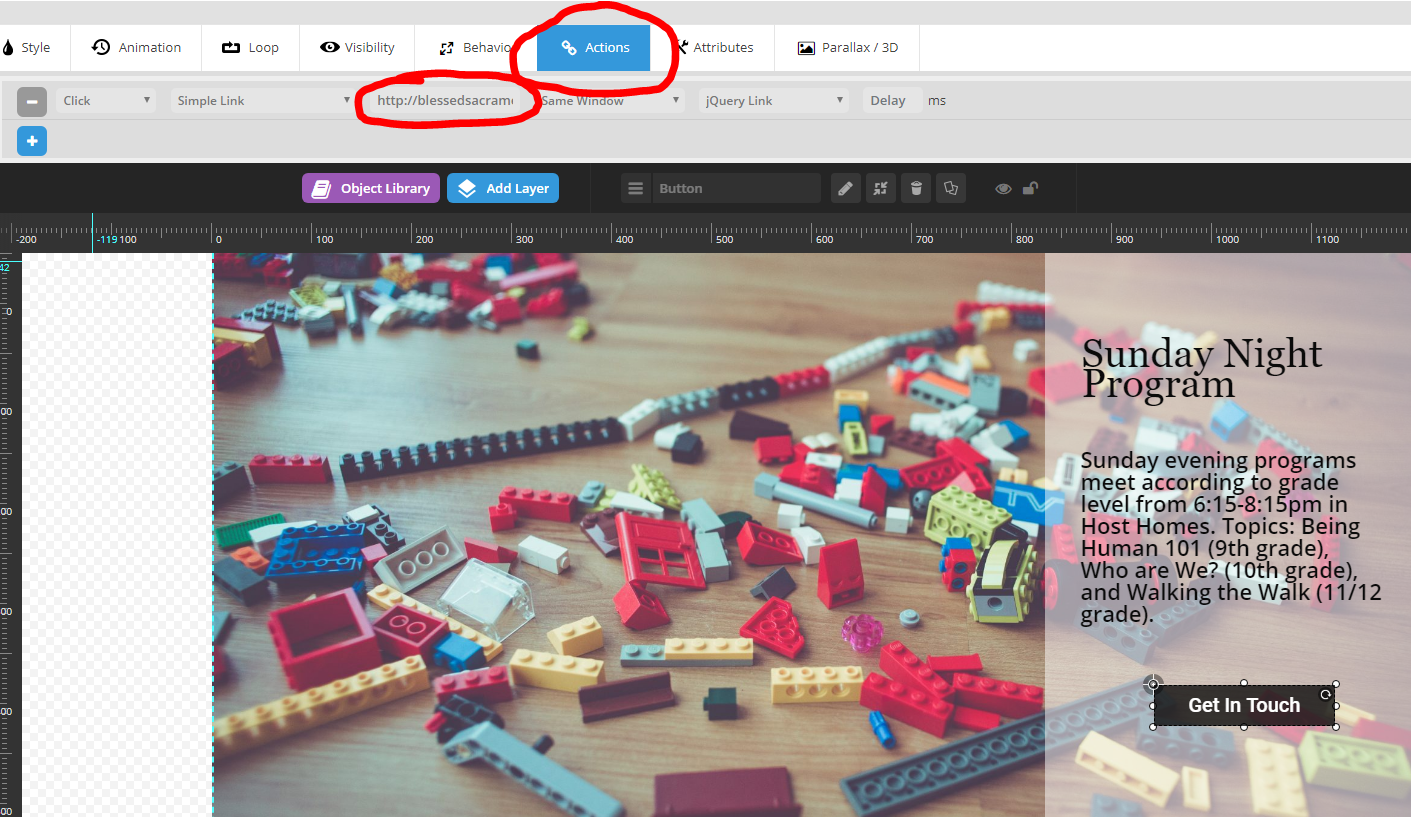
- To change where the button links to, switch to the Actions tab adn replace link
- Click the green save button to save any changes.

- Click Slider Revolution